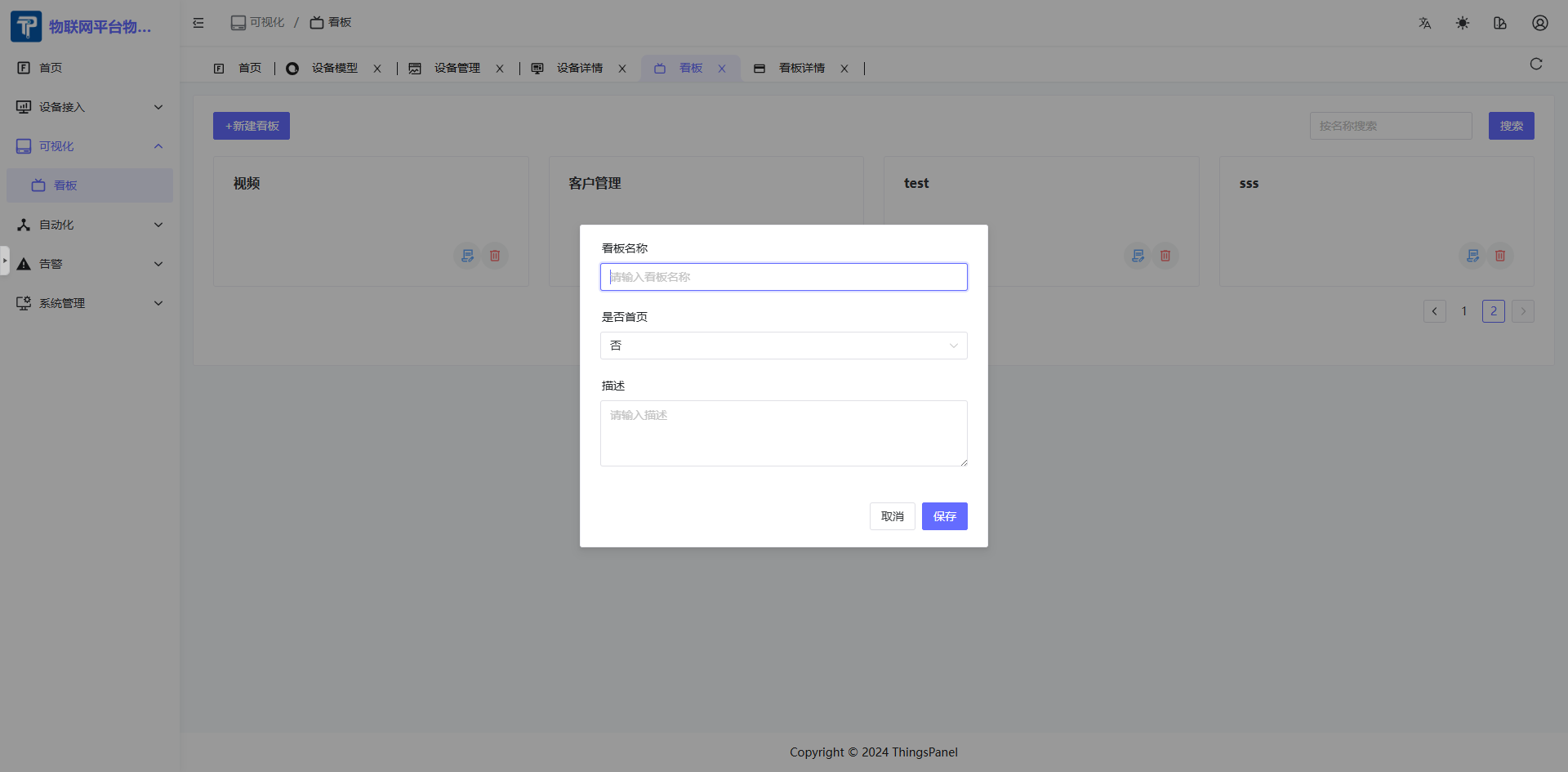
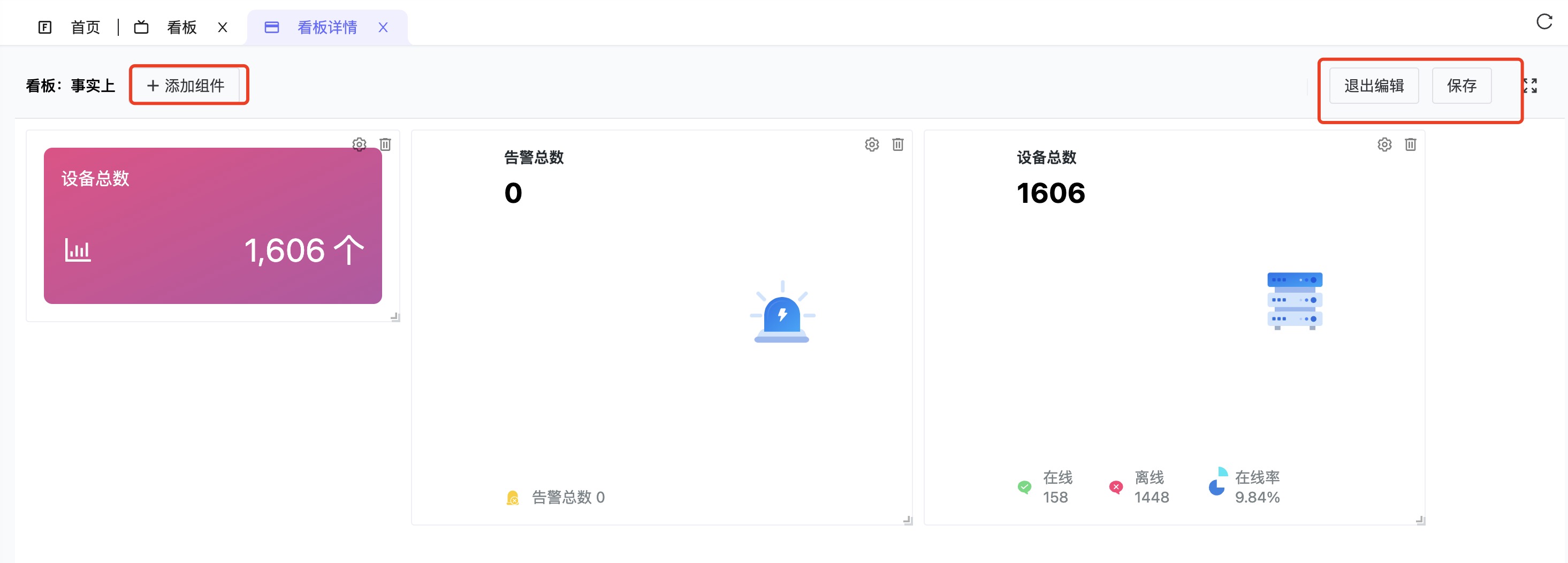
Click Visualization - Dashboard to enter the Dashboard Management page. Dashboard management is mainly for configuring the dashboards to be displayed, with functions to create, edit, delete dashboards, and select whether to display the dashboard on the home page.
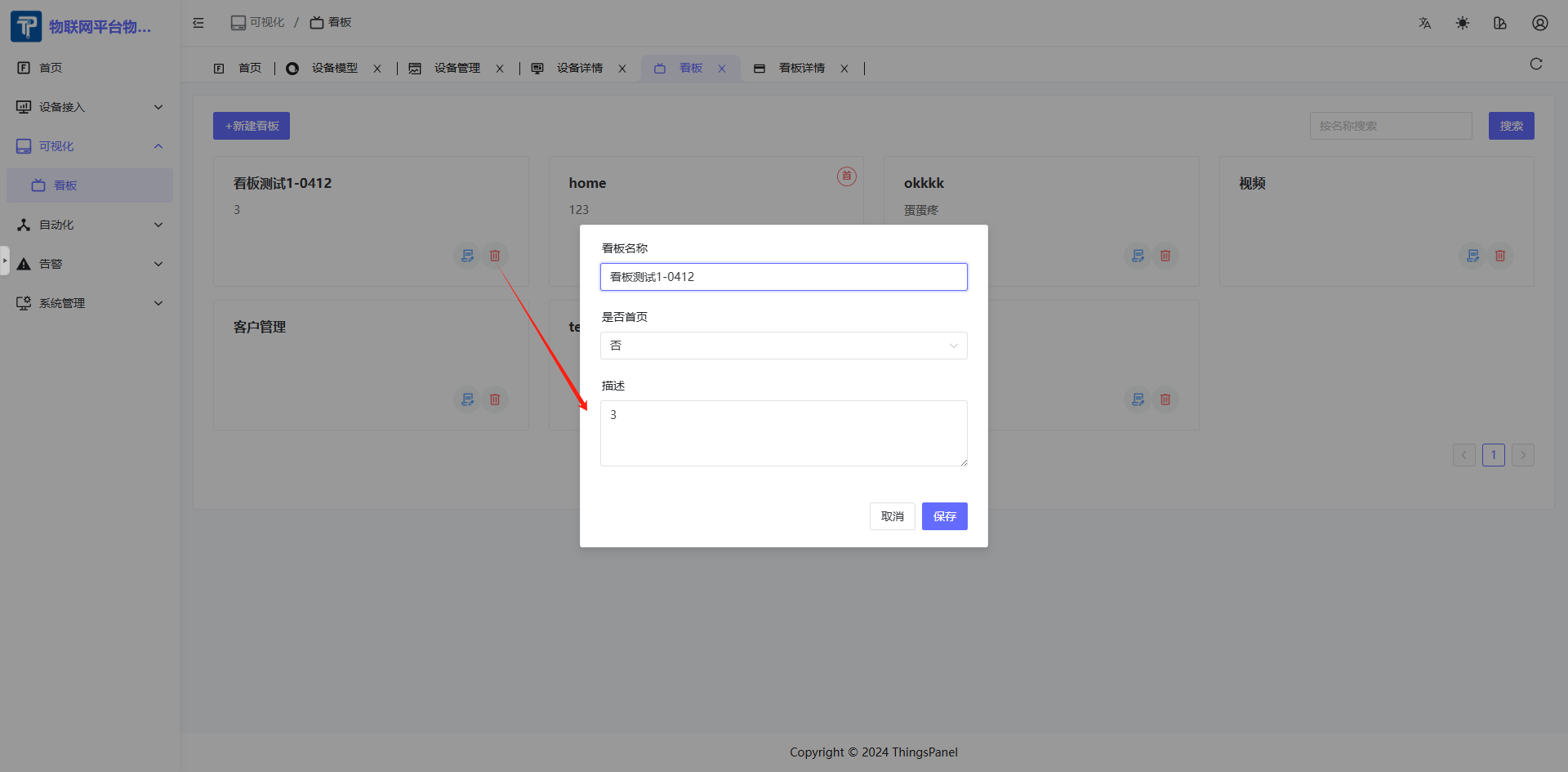
Click "New Dashboard" to open the popup. Enter dashboard name, whether to display on home page, description, etc. Currently, only one dashboard can be displayed on the home page.
After setting to display on home page, the dashboard will have a "Home" tag, as shown below.