Device Management
1. Description
- Perform functions like adding, editing, deleting, and searching used devices. Configure attributes like groups and tags. Manage telemetry, attribute setting, event reporting, command sending, automation, and alarms for devices.
2. Operations
2.1 Add Device
- Click Add to choose between Manual Add and Add by Number (Batch/Provisioning).
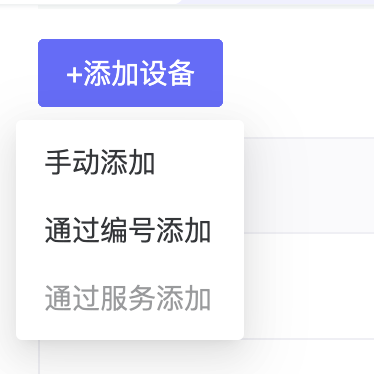
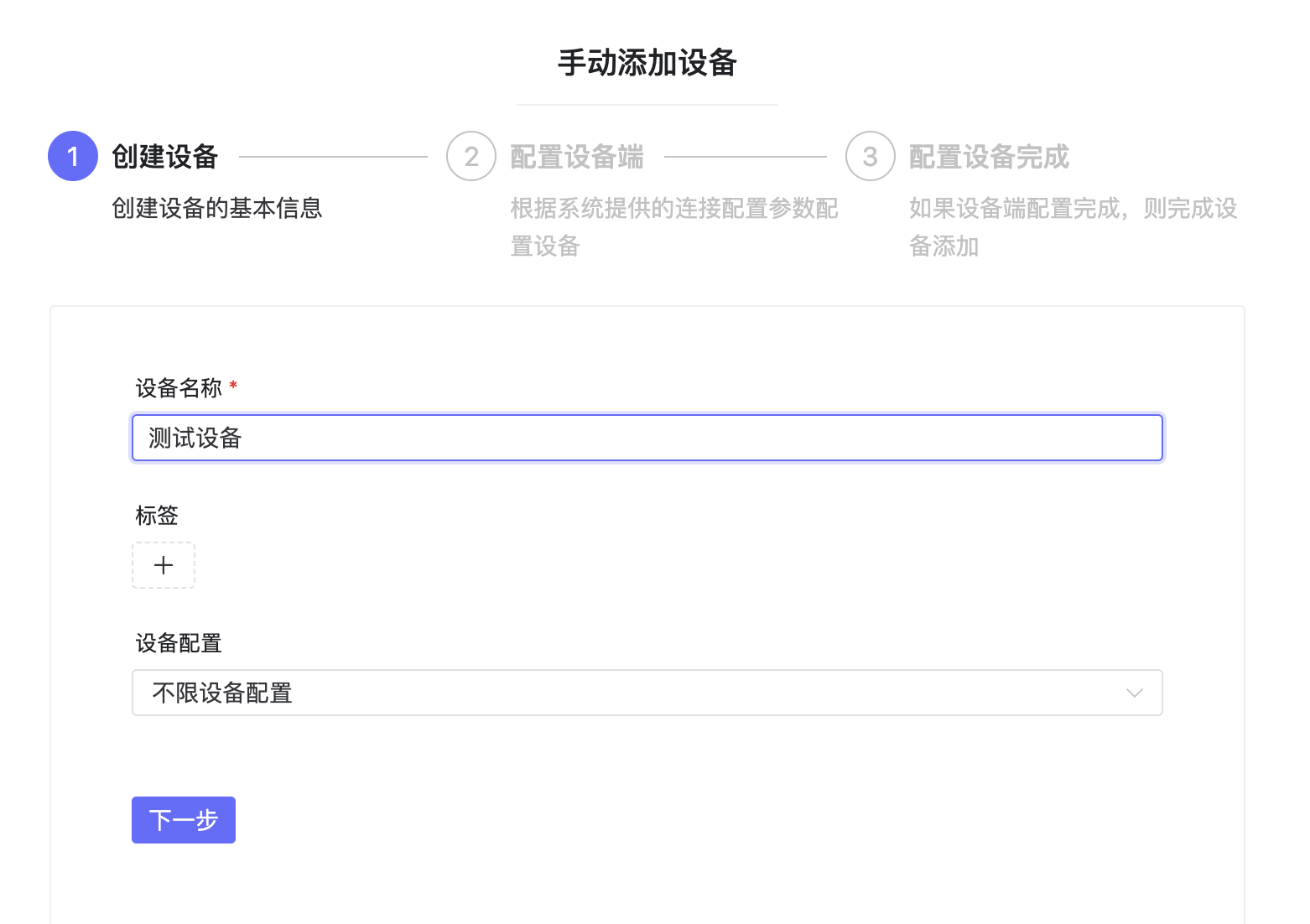
- Manual Add requires entering device name and configuration.
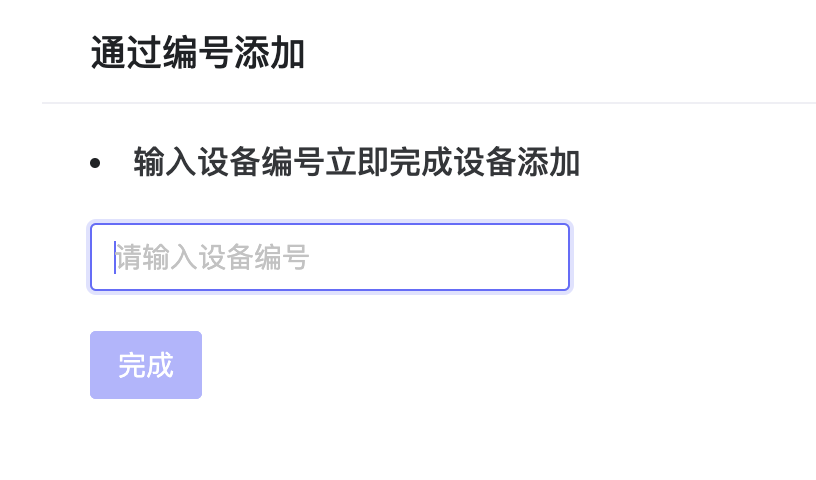
- Add by Number allows adding devices via Device Number generated in Product Management.
2.2 Telemetry
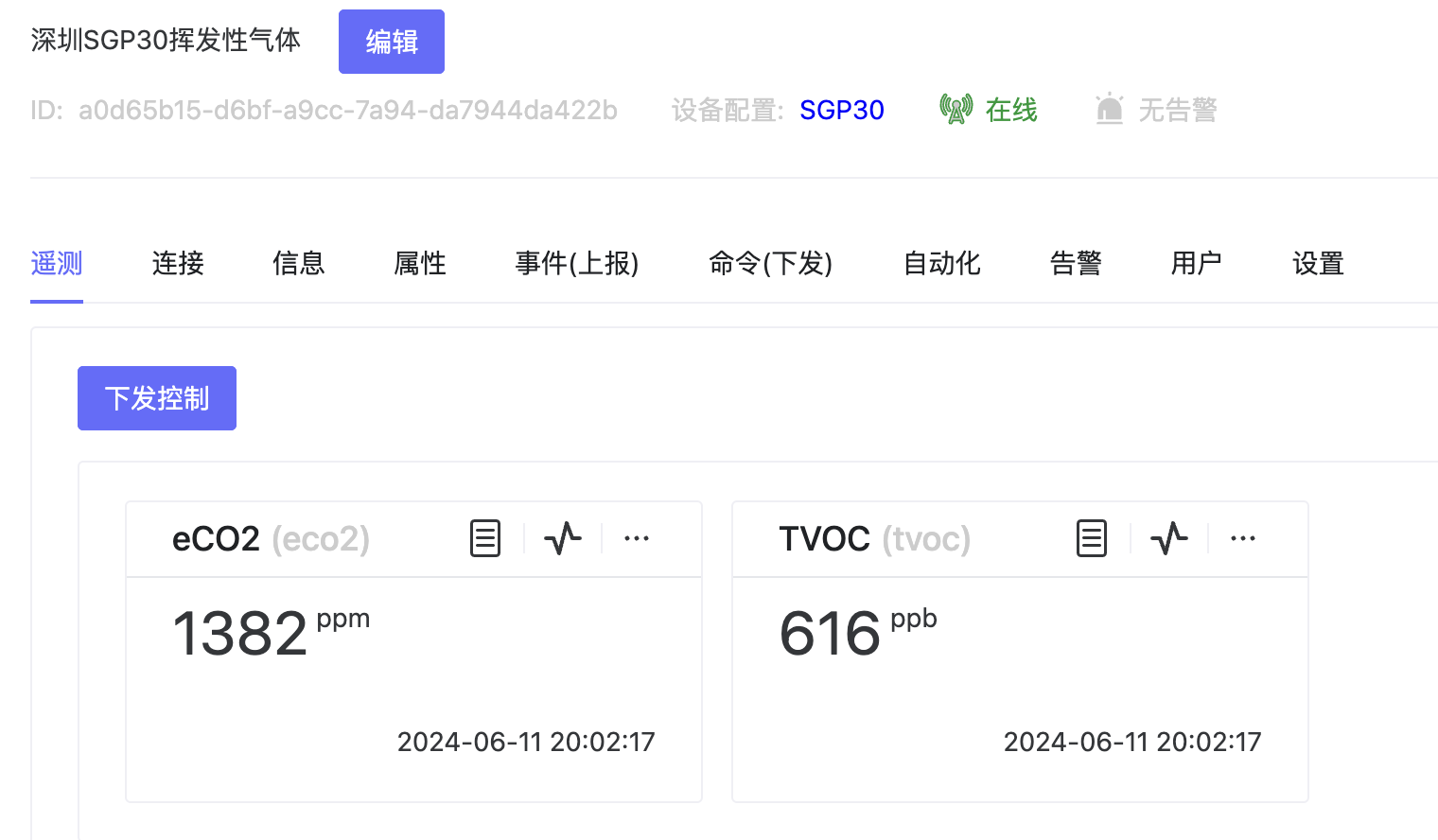
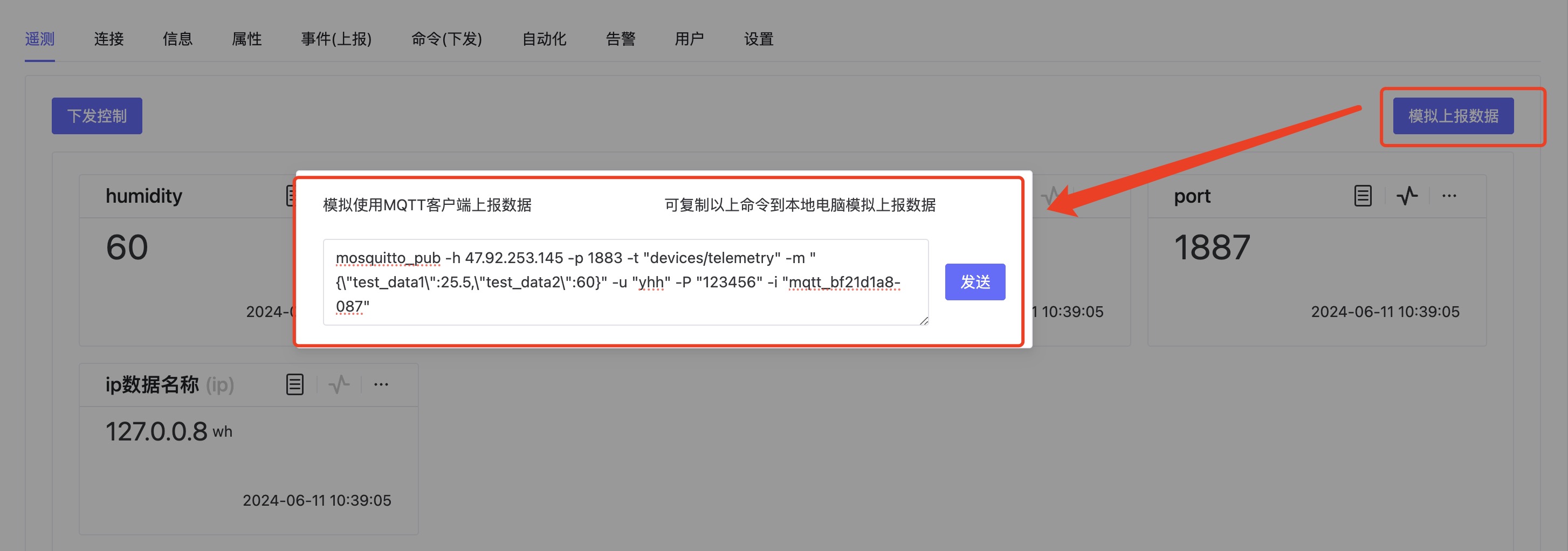
- Telemetry data reported by devices is displayed here. Supports simulated data reporting and control command sending, interacting with devices via key-value pairs.
- Simulated data reporting supports reporting custom data for function checking.
- Command sending allows sending different instructions to control the device and viewing the success/failure status.

2.3 Connection
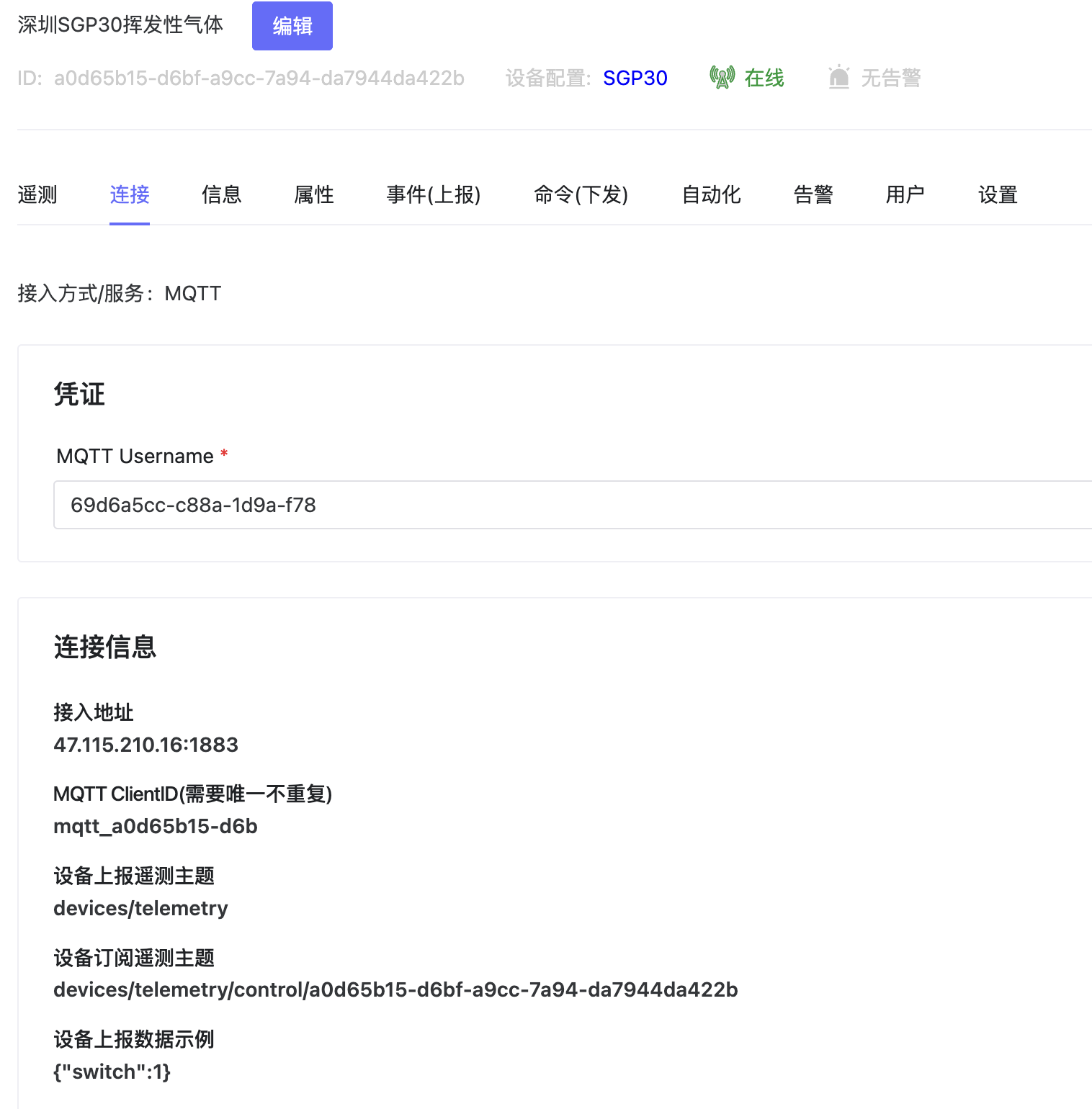
- View connection info like Username, Password, ClientID, and Topic for data reporting.
2.4 Information
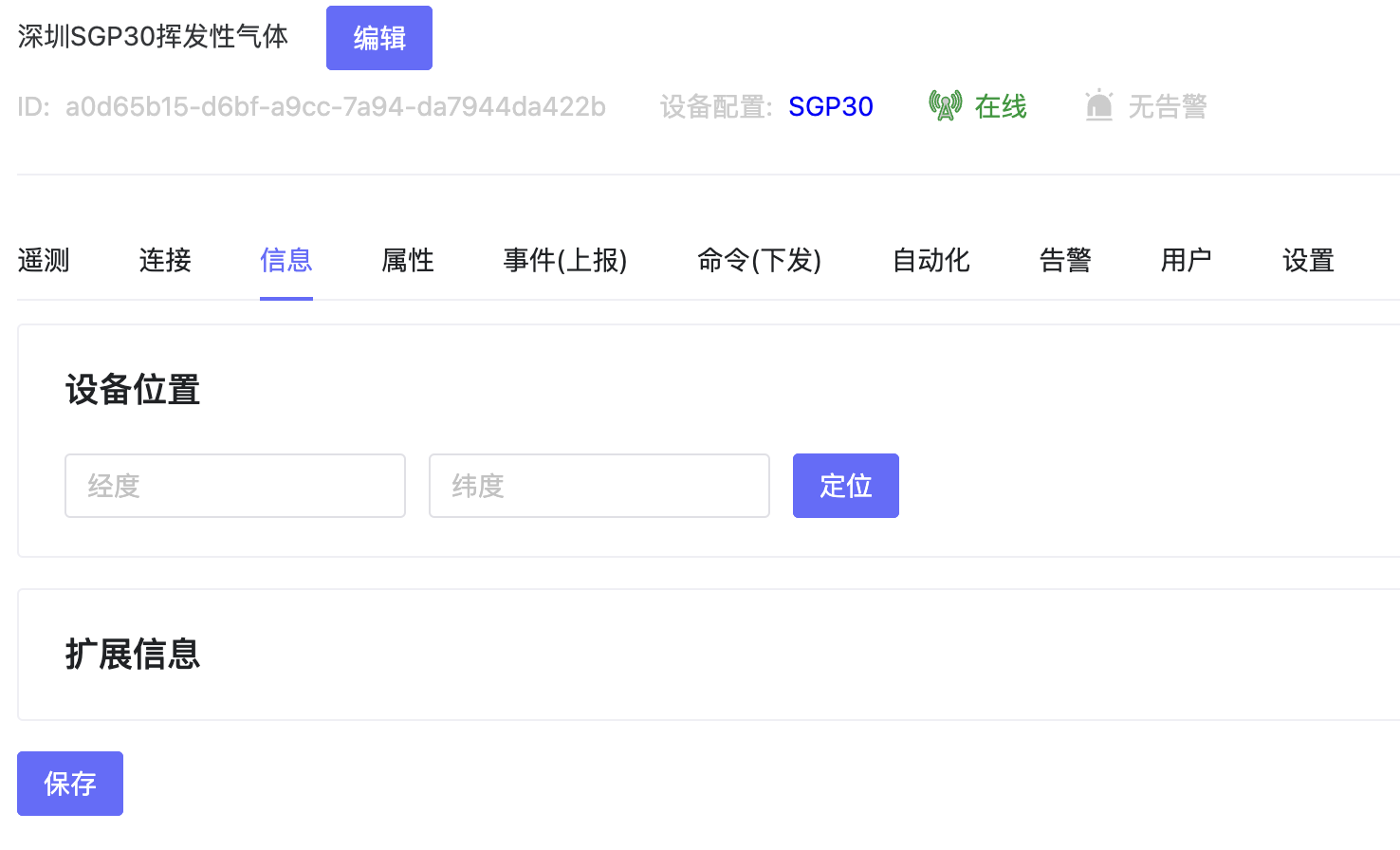
- View device address/location information.
2.5 Attributes
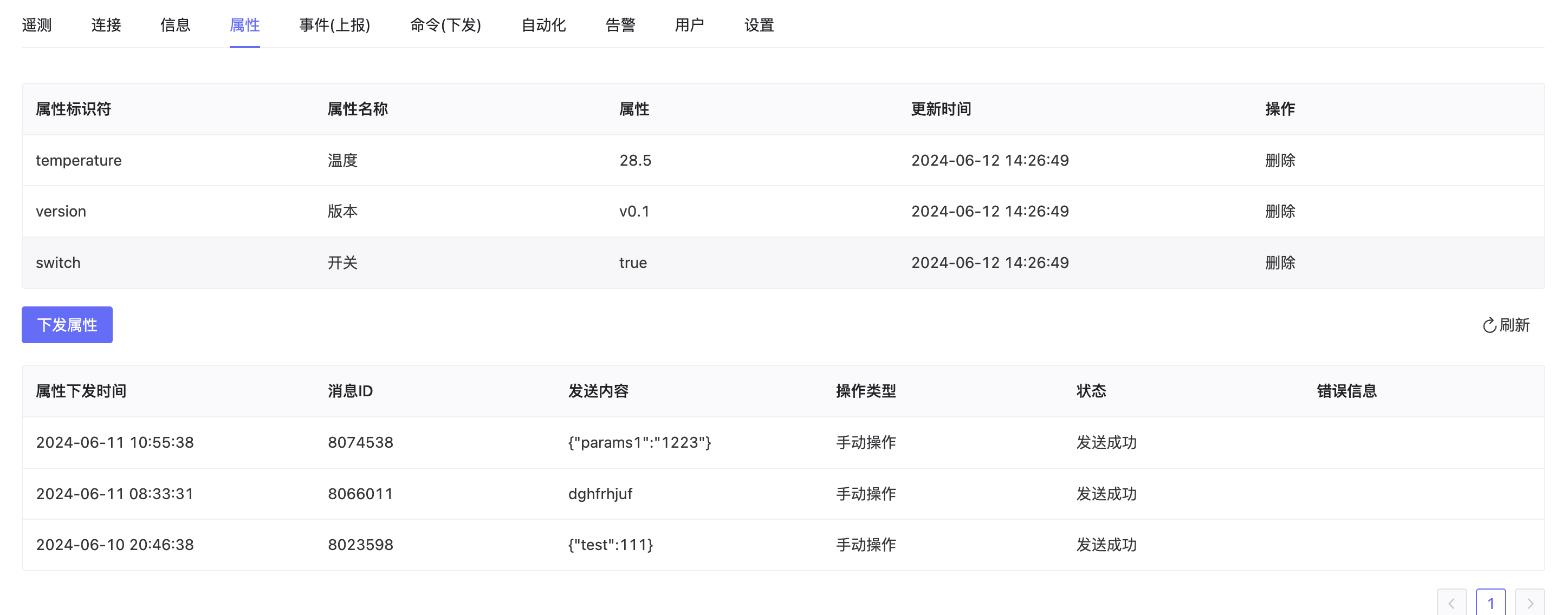
- Some fields reported by devices that don't need to be stored as telemetry can be presented as properties. Define meanings for each field and send attribute control to devices.
2.6 Events (Reporting)
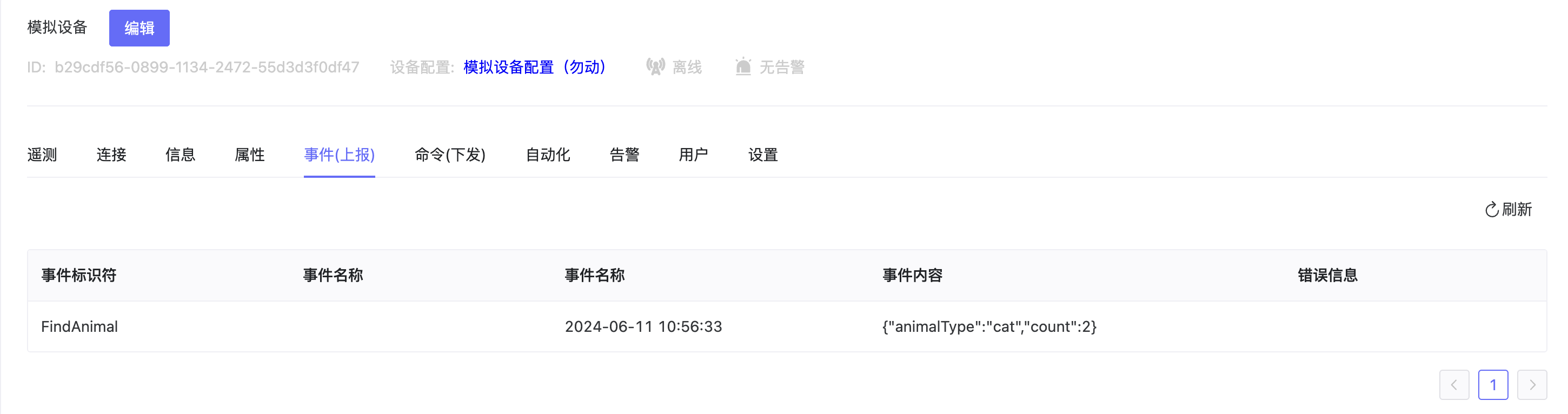
- Display events reported by the device, and view event status and error reasons.
2.7 Commands (Sending)
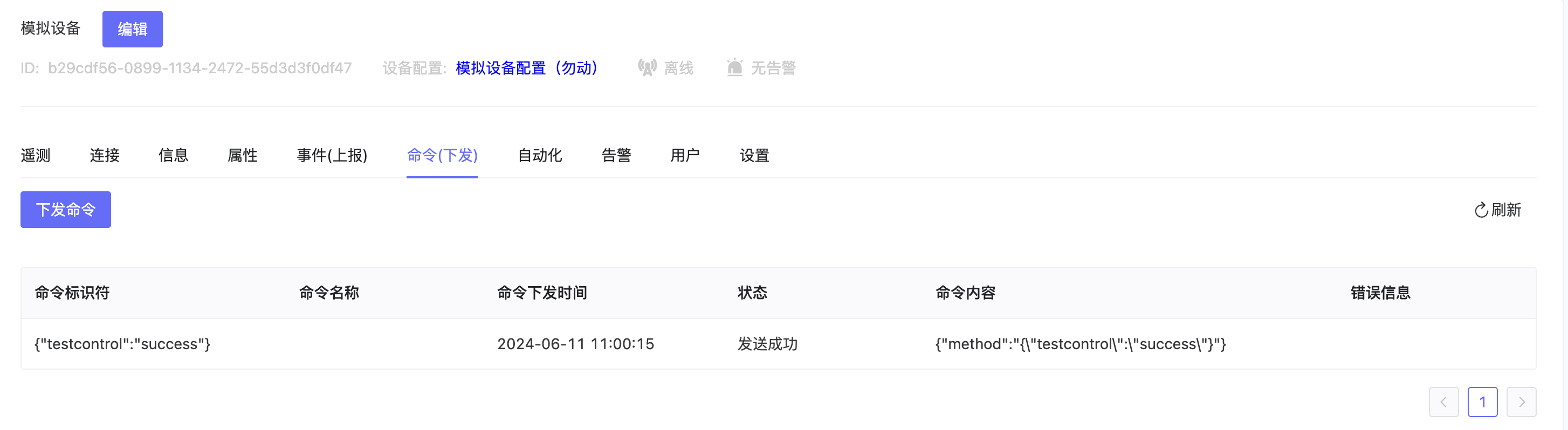
- Control devices by sending commands in custom ways (HTTP, etc.), and view command status and error reasons.
2.8 Automation
-
Configure operations like triggering alarms or controlling other devices when specific conditions are met. See Automation - Scene Linkage for details.
-
If the associated template has scene linkages, they are automatically inherited. Devices can also establish their own scene linkage configurations.

2.9 Alarm
-
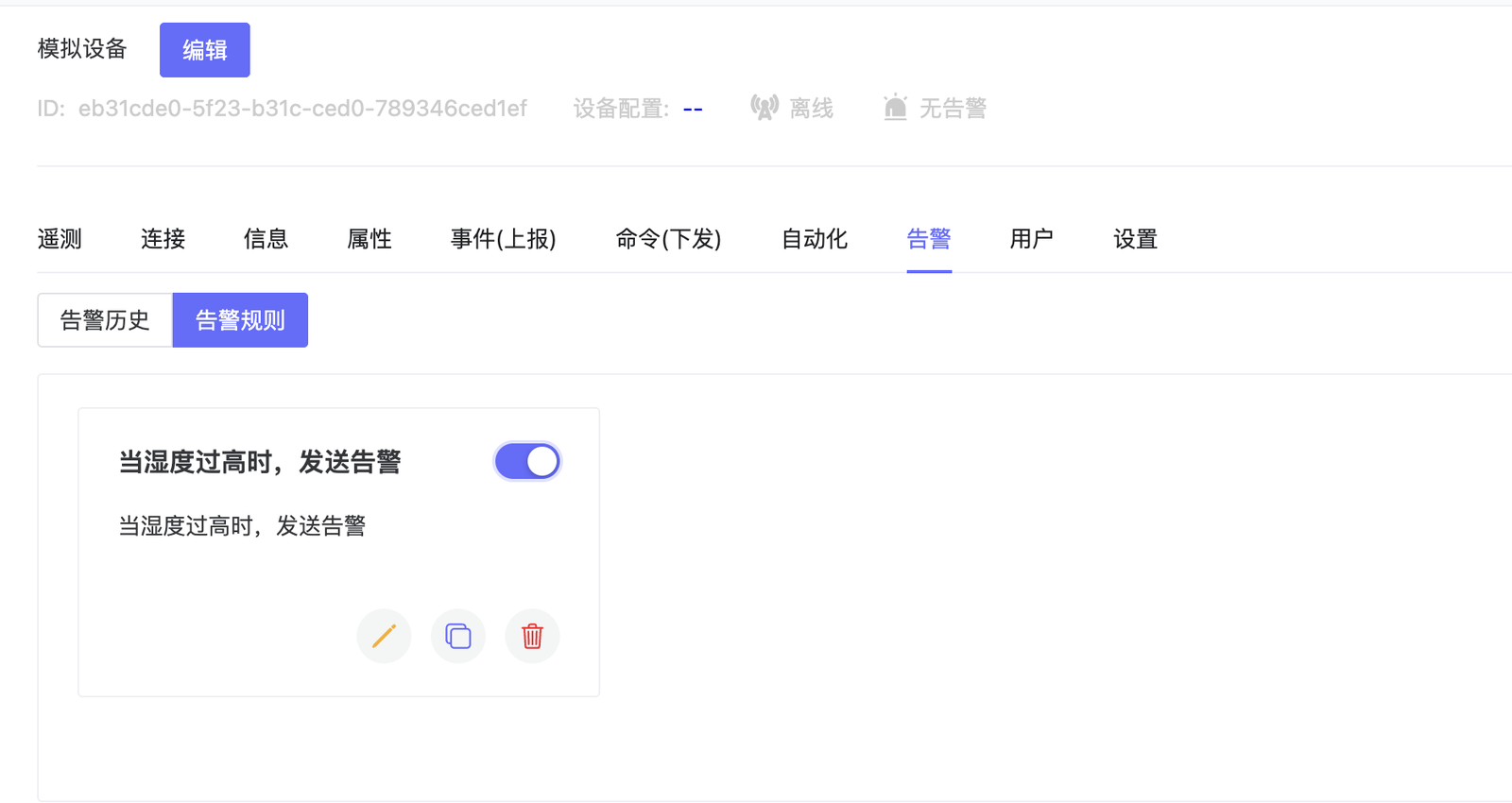
Add alarm rules to send alarms when device triggers conditions. Supports single device and same-type device alarms.
-
Alarms configured in the template are automatically synchronized to the device. Devices can also add custom alarm configurations.
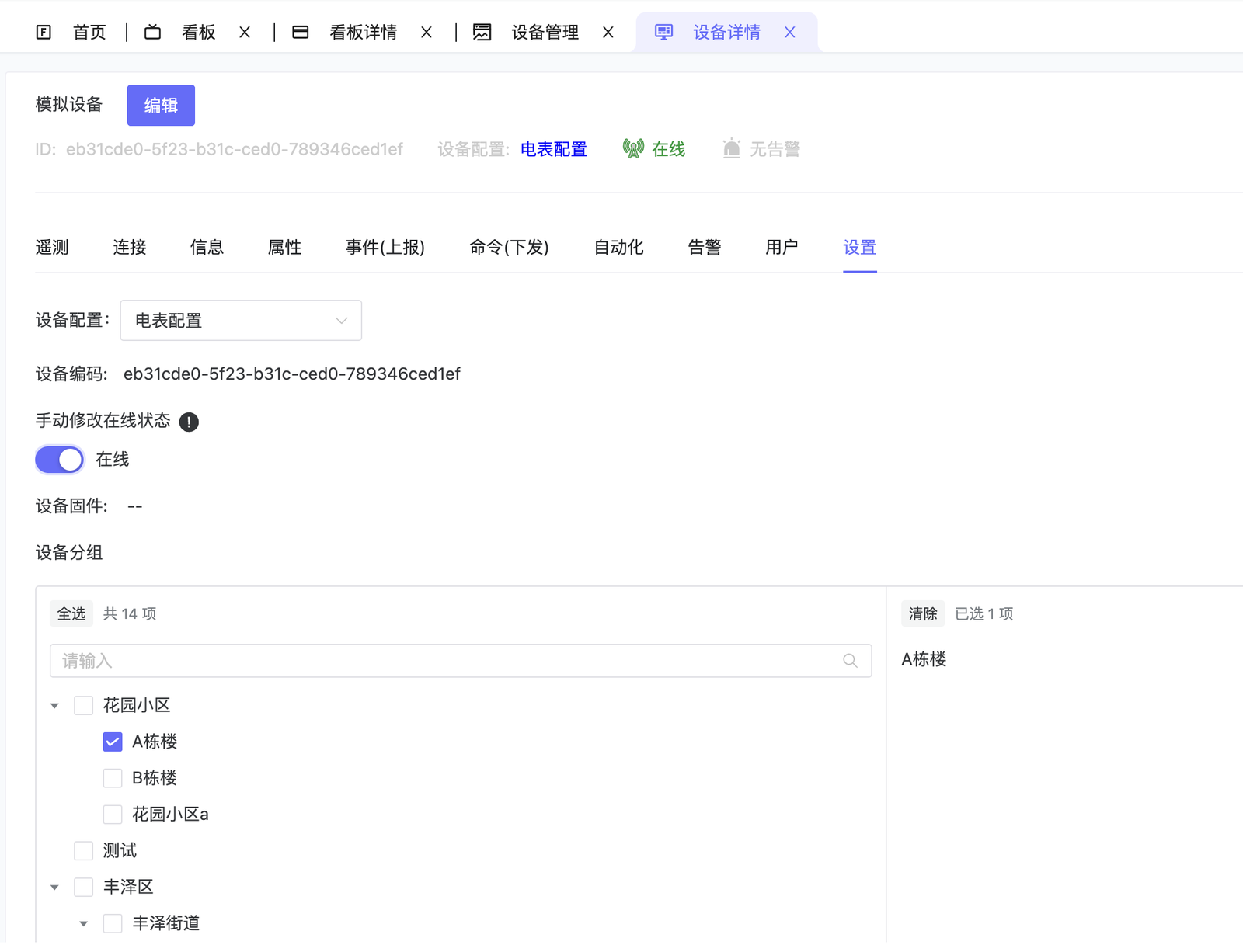
2.10 Settings
- Set device template, group, online/offline status, etc.
2.11 Diagnosis
-
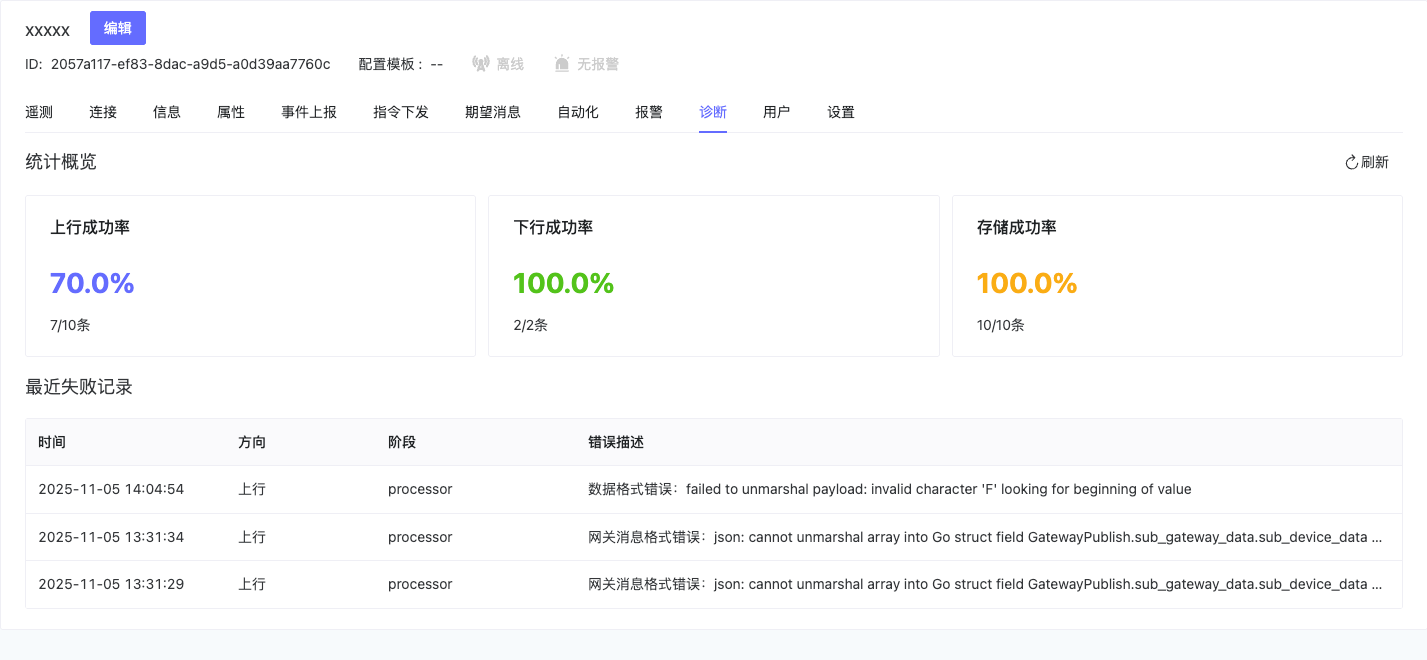
Device Connection Diagnosis provides visualized device communication health monitoring, allowing developers to know device status in real-time.
-
Statistical Indicators: Sustained monitoring of success rates for Uplink, Downlink, and Storage.
-
Failure Record Tracking: Automatically saves recent failure records including Time, Direction, Stage, and Error Description.