Scene Management
1. Description
- configure a scene, which can be associated with Scene Linkage. The scene is triggered when certain conditions are met.
2. Operations
2.1 Add Scene
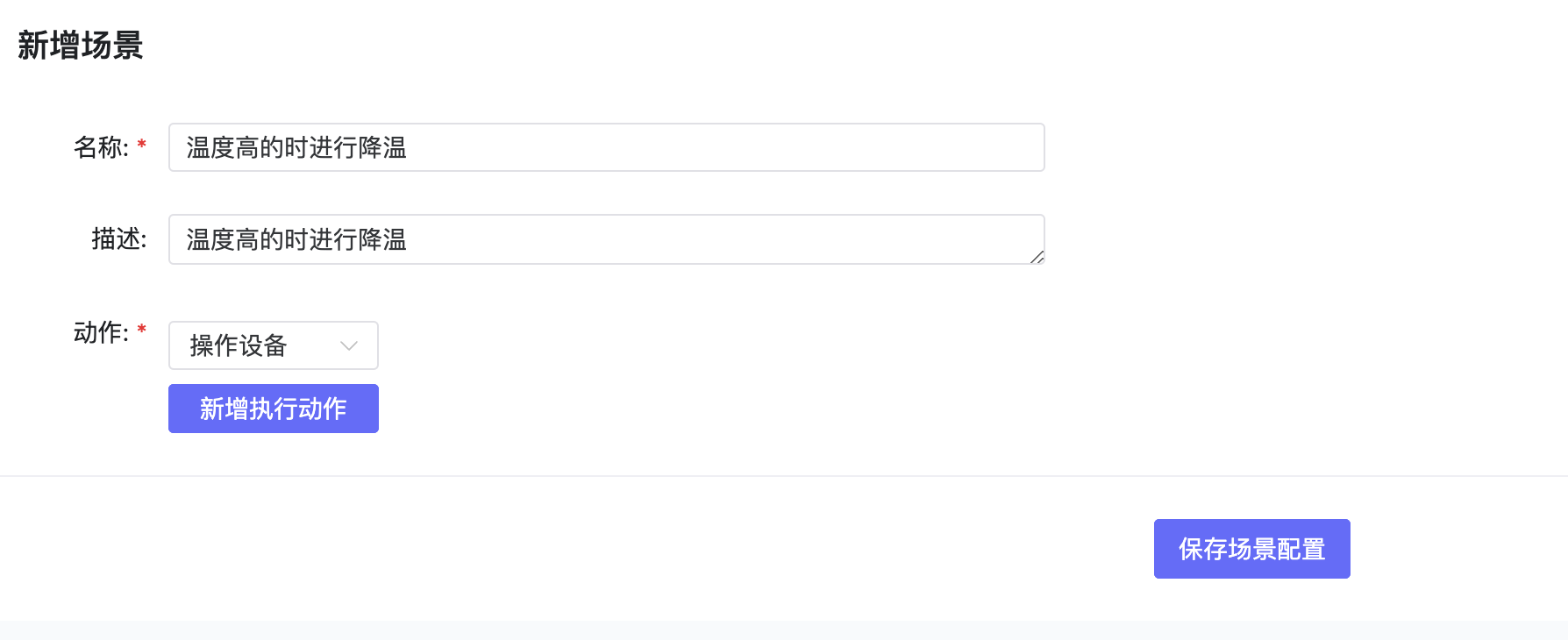
- Click Add Scene to create a new scene, setting actions for a specific device or a class of devices.
2.2 Edit Scene
- Select the scene to edit, click Edit to modify content.

2.3 Activate Scene
- Click Activate to trigger the scene settings once manually.

2.4 View Scene Logs
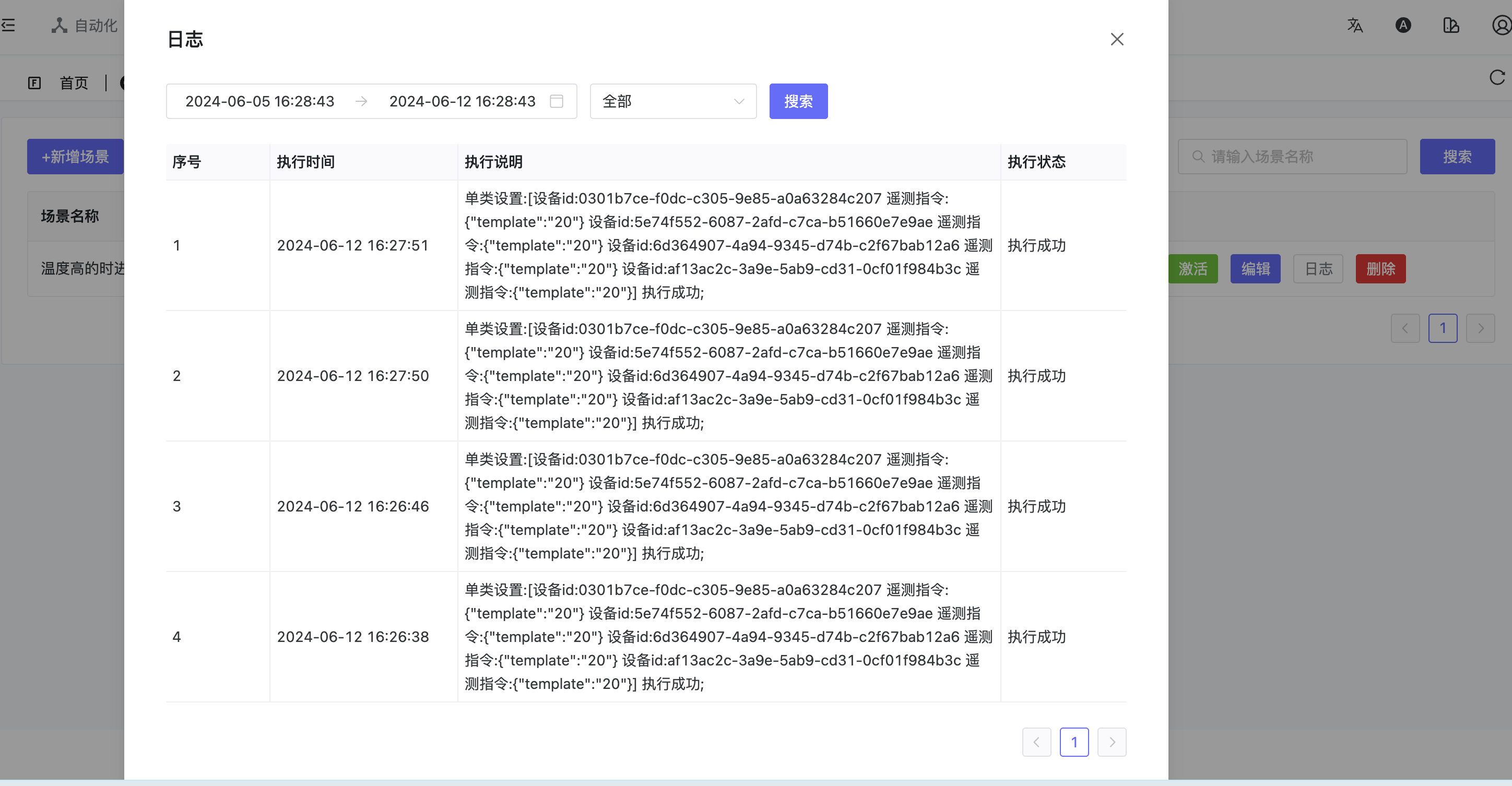
- Click Logs to view trigger logs.
2.5 Delete Scene
- Click Delete to remove the scene.