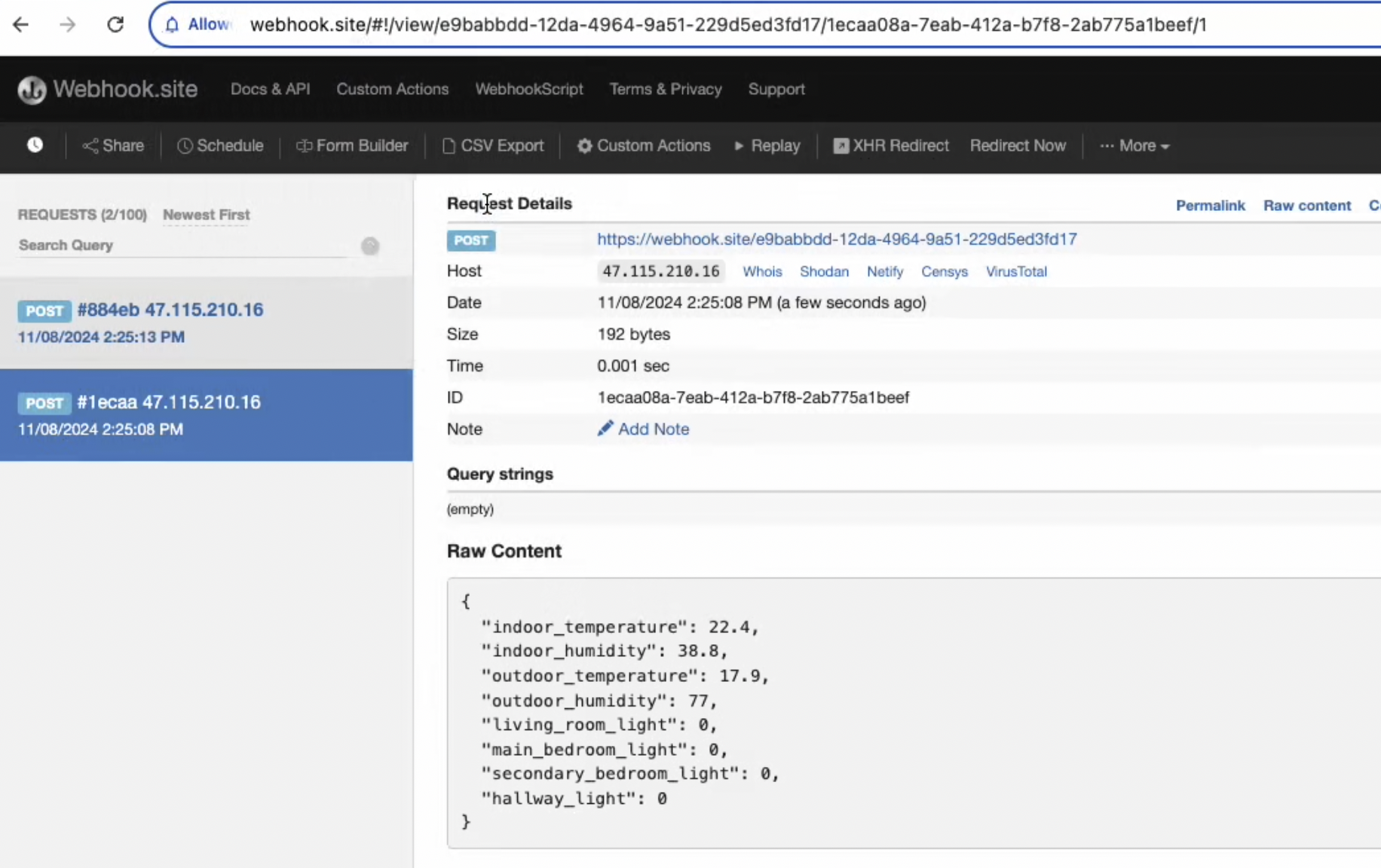
HTTP Data Forwarding
HTTP Data Forwarding allows you to forward device data to a specified HTTP server in real-time, suitable for integration with third-party systems, data backup, etc.
Features
- Support forwarding by Device, Group, or Product.
- Support scripts.
- Support multiple forwarding targets.
- Real-time data forwarding.
- Support encrypted transmission.
Configuration Steps
1. Add Forwarding Address
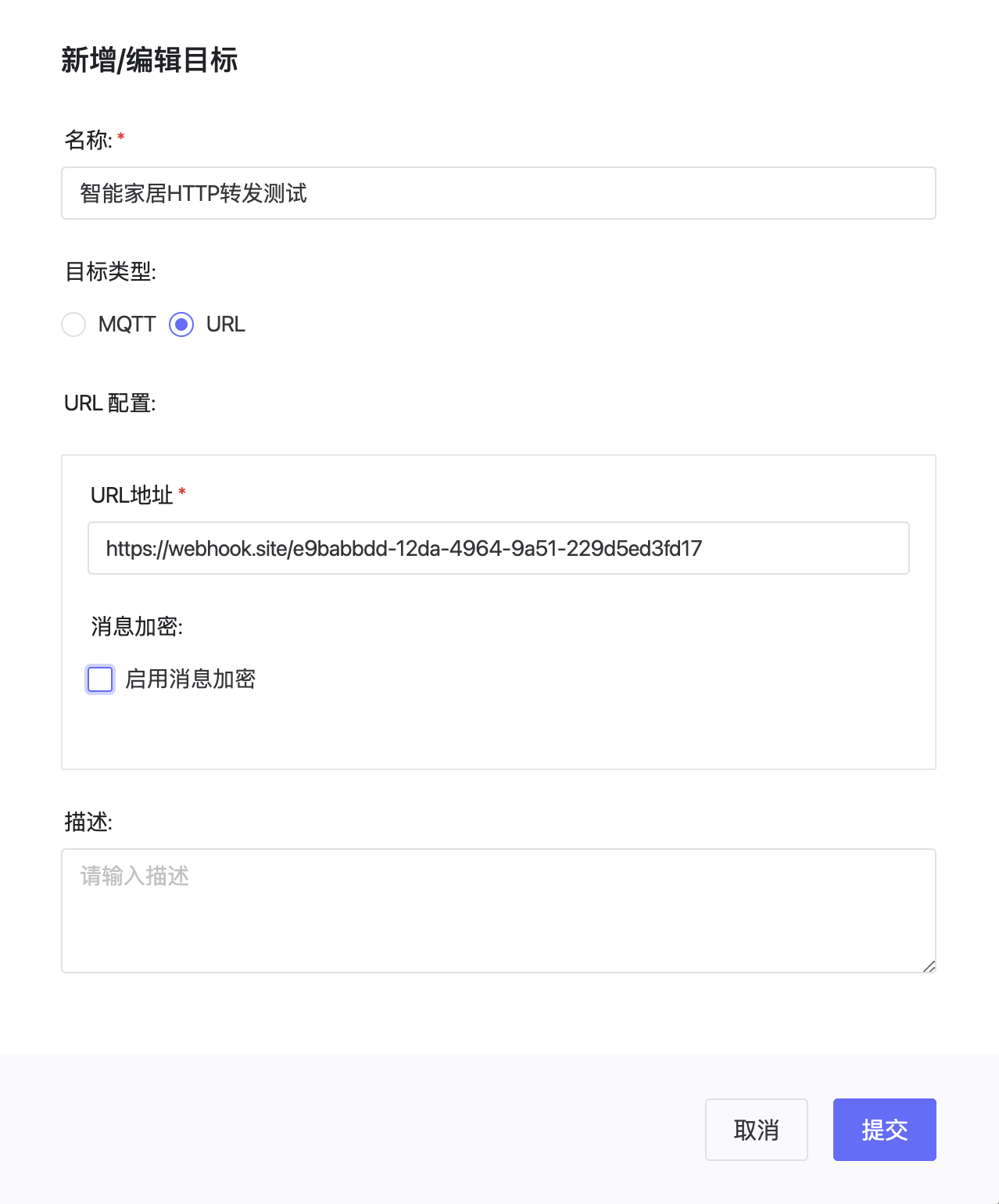
Add HTTP forwarding configuration in ThingsPanel:
- Go to "System Management > Data Forwarding > HTTP Forwarding".
- Click "Add Forwarding".
- Fill in configuration info:
- Name: Identifier name for this configuration.
- URL: Target server address.
2. Data Format
Example of data forwarded by ThingsPanel:
{
    "deviceId": "device123",
    "timestamp": 1678956123000,
    "values": {
        "temperature": 25.6,
        "humidity": 60
    },
    "metadata": {
        "type": "sensor",
        "location": "room1"
    }
}
View Received Data Results