Ezviz Cloud Video
1. Create Standard Device

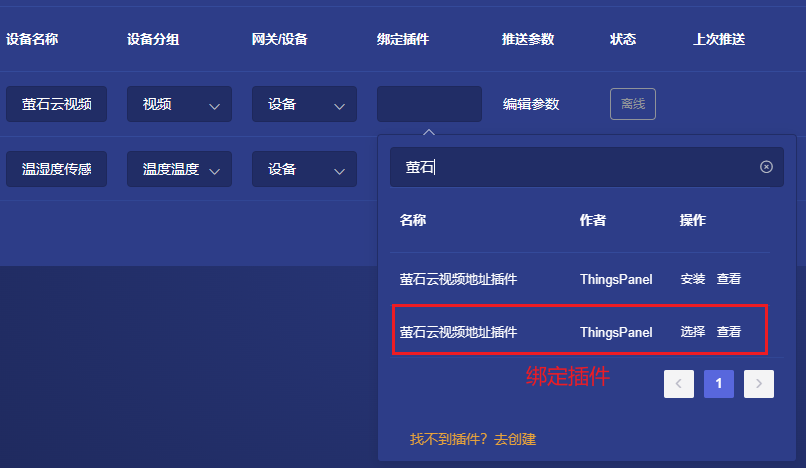
2. Bind Plugin
After creating the device, bind the Ezviz Cloud Video Address plugin.
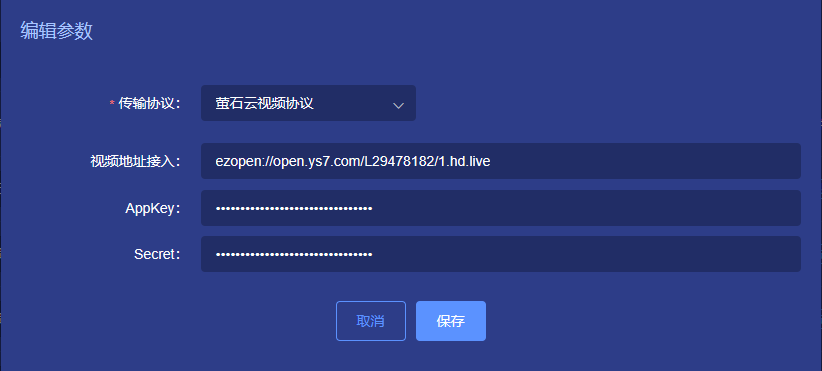
3. Configure Parameters
Configure playback address, appKey, and secret.
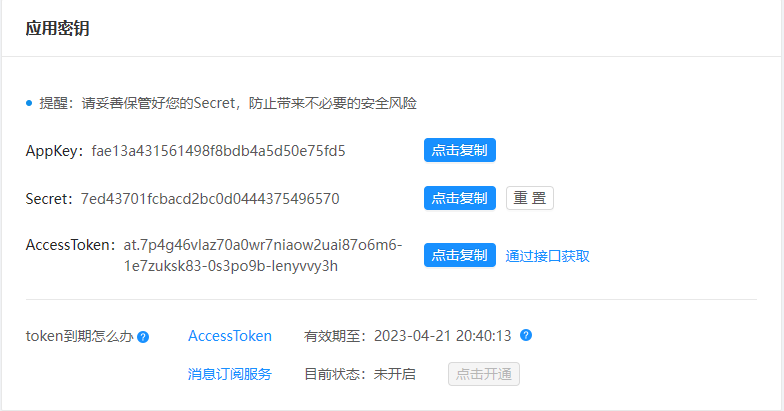
The appKey and secret in the parameters need to be obtained from the application information on the Ezviz Open Platform.
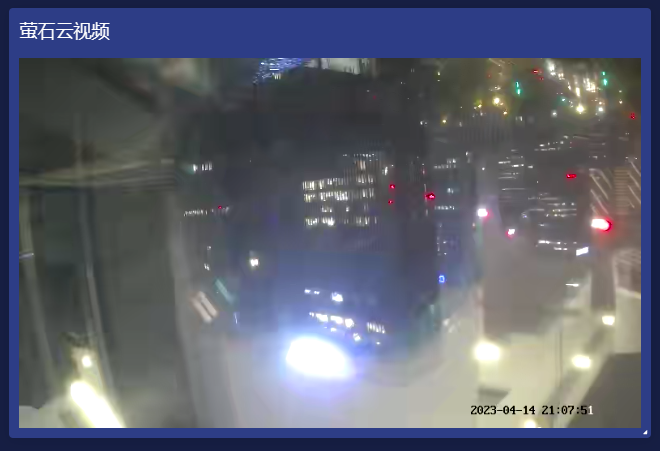
4. View Effect
View the effect in Device Monitoring.