1. Access Steps
- Create Product Model (Optional)
- Create MQTT Gateway Device Template
- Create MQTT Gateway Sub-device Template
- Create Gateway Device
- Create Gateway Sub-device
- In the created Gateway Device, link the Sub-device and configure sub-device address
- Configure gateway device credentials based on the Connection tab info in the gateway device
- Turn on device
- View device data
Gateway Device MQTT Interaction Spec
2. Operations
2.1 Create Product Model (Optional)
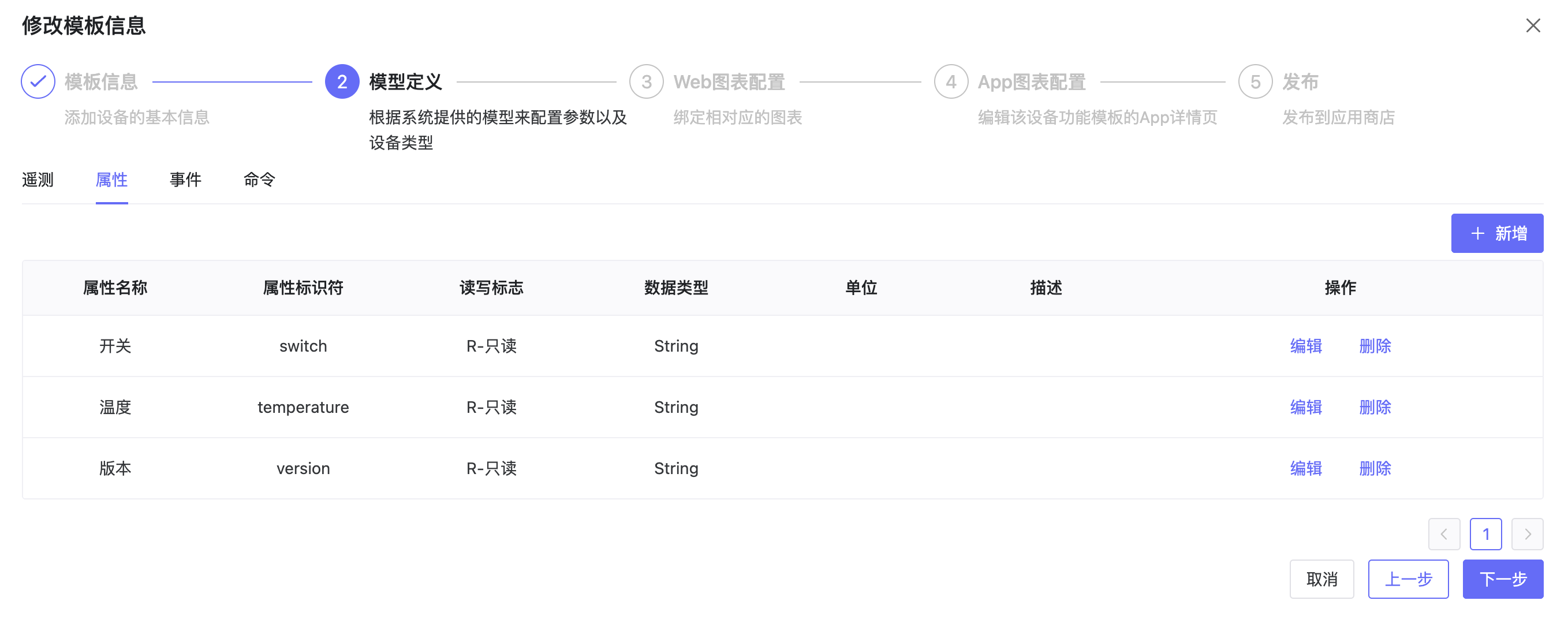
- Enter ThingsPanel system, click Device Onboarding - Product Model, create product model, and configure mapping for telemetry, attributes, events, commands, etc.
2.2 Create MQTT Gateway Device Template
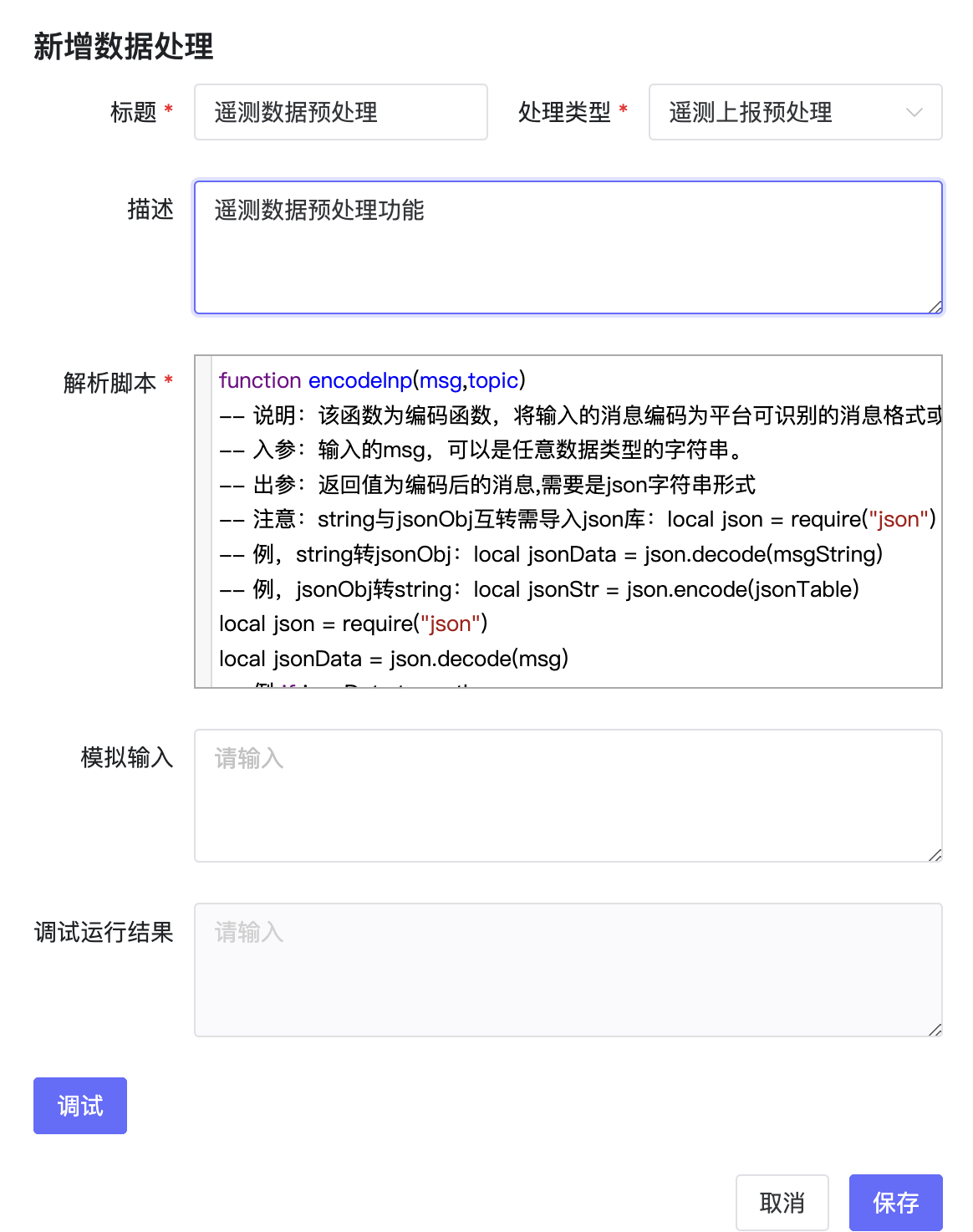
- Create device template, select the product model created above, and configure protocol, data processing, automation, alarms, etc. If device sends binary or non-JSON data, configure data pre-processing script in Data Processing.
2.3 Create MQTT Gateway Sub-device Template
- Same as creating gateway device template.
2.4 Create Device and Associate
- Create Gateway Device and Sub-gateway device in ThingsPanel, set username and password, select device template, automation, alarm, etc.
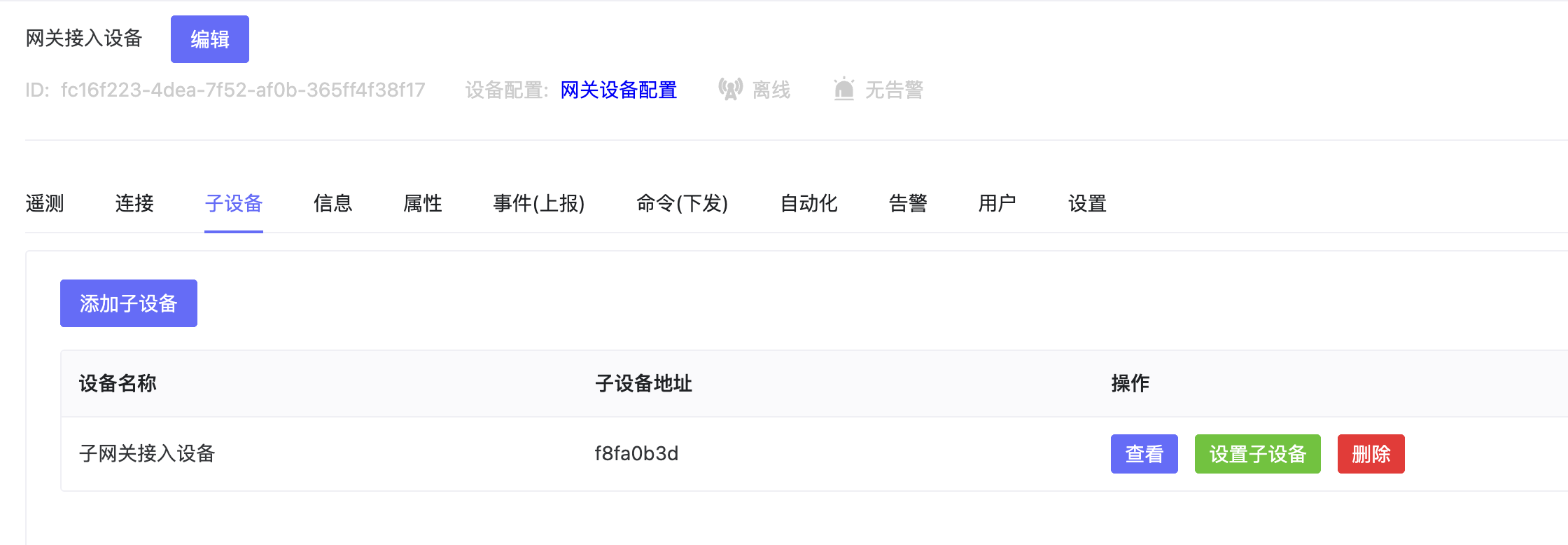
- In the created gateway device, bind the sub-device and configure sub-device address.
- Configure gateway device credentials based on Connection tab info. Configure topics based on Gateway Device MQTT Interaction Spec.
- Device configures credential info and reporting rules according to protocol, then reports data.
2.6 Turn On Device
2.7 View Data
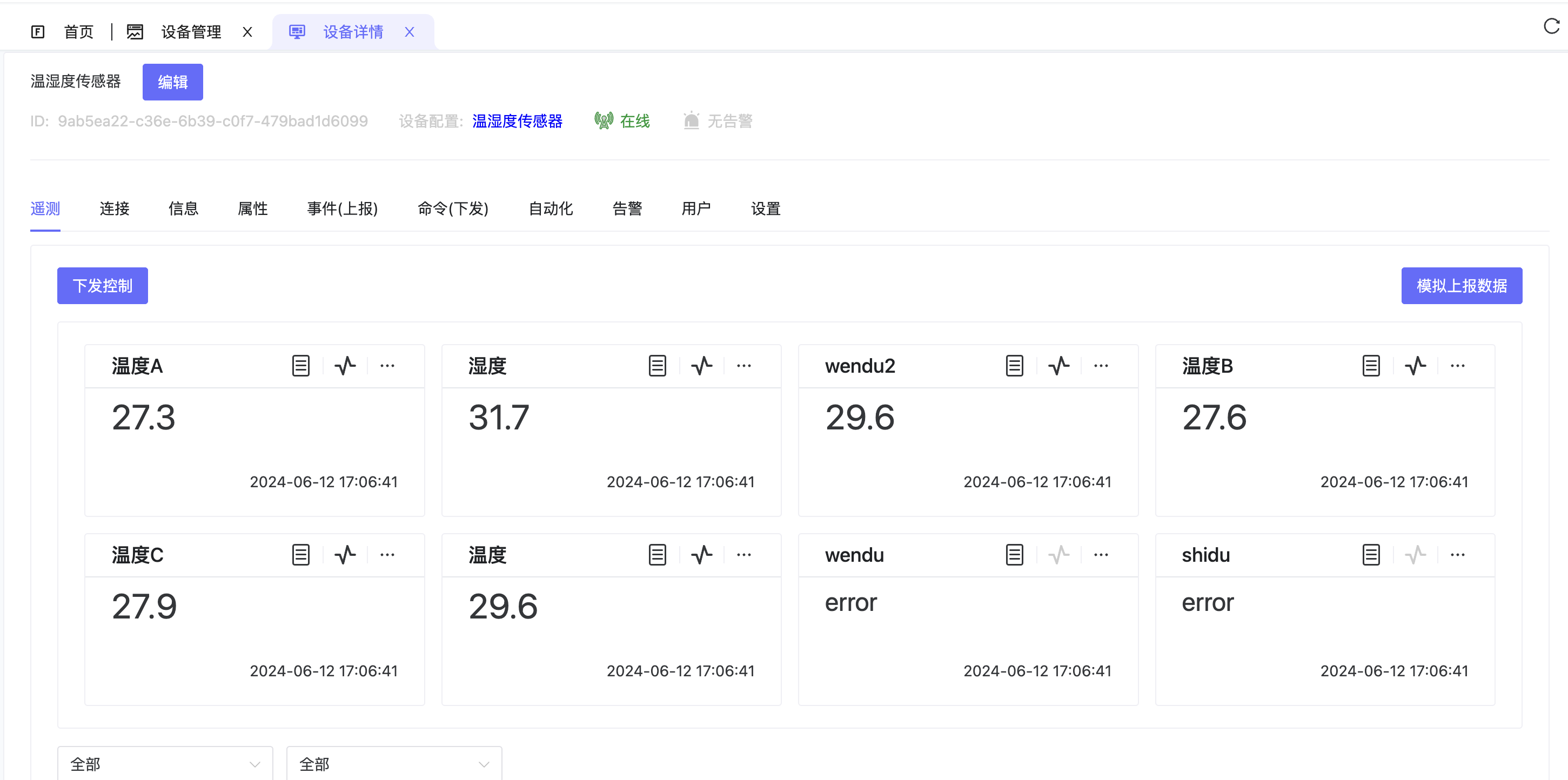
- View device data via Device - Telemetry. Can also issue telemetry data, attributes, commands from platform to control device.
Gateway Device MQTT Interaction Spec