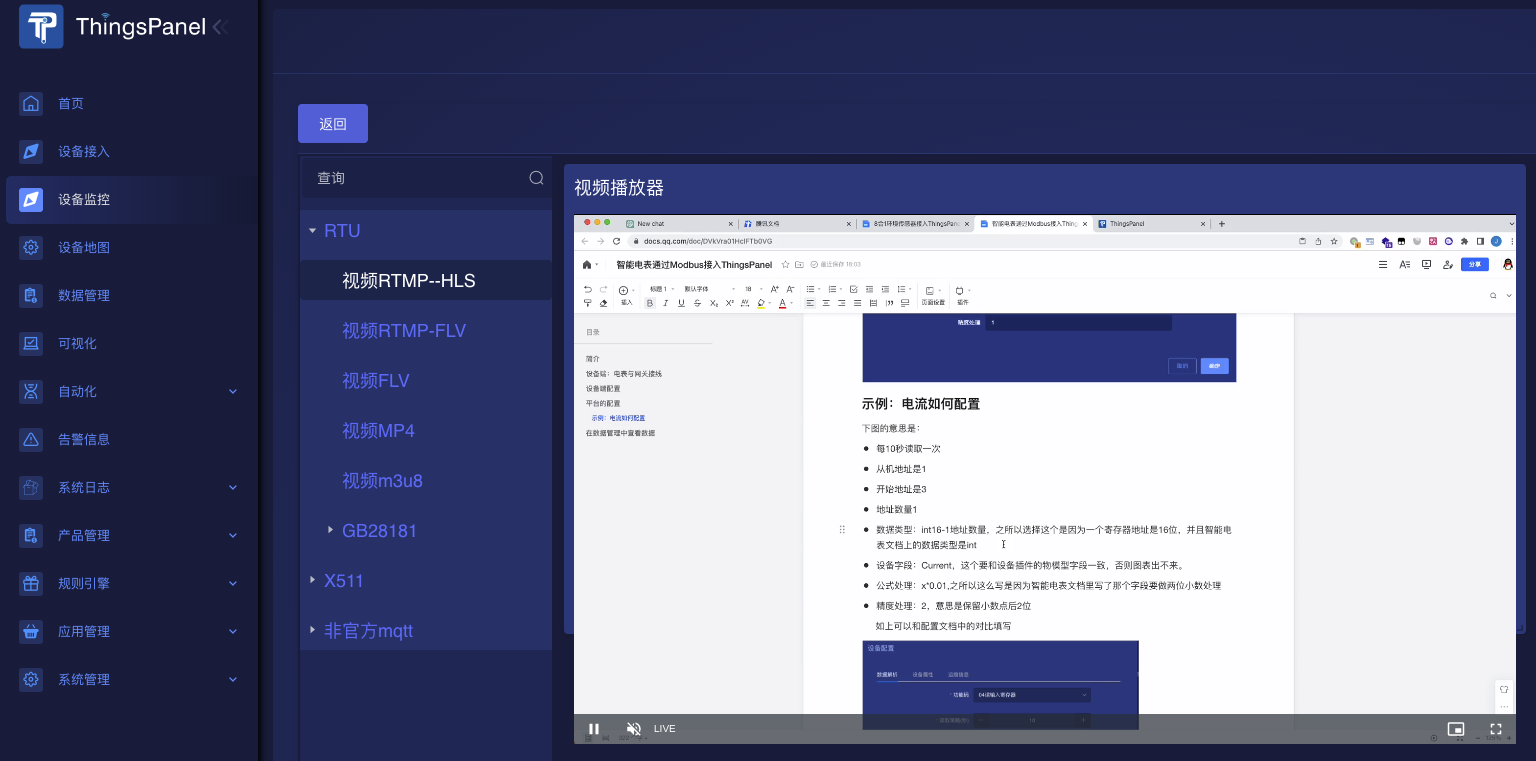
RTMP Camera
RTMP (Real-Time Messaging Protocol) cameras are camera devices that use the RTMP protocol for video transmission. RTMP is a real-time streaming media transmission protocol originally developed by Adobe for audio and video transmission and playback on the Internet.
RTMP cameras encode video data into RTMP streams and transmit them to a server via the network to achieve real-time video transmission and live broadcasting. Such cameras usually contain a built-in encoder capable of compressing video data into RTMP format and sending it to a specified server over the network. The camera may also include a microphone and audio encoder to support simultaneous transmission of audio and video.
Preparation
- Set up service
- Prepare RTMP camera, use FFmpeg for testing.
- Open ports: 1935, 1985, 8080
Steps
1. Set up SRS
docker run --rm -it -p 1935:1935 -p 1985:1985 -p 8080:8080 \
registry.cn-hangzhou.aliyuncs.com/ossrs/srs:4 ./objs/srs -c conf/docker.conf
Need to open 3 ports: 1935, 1985, 8080.
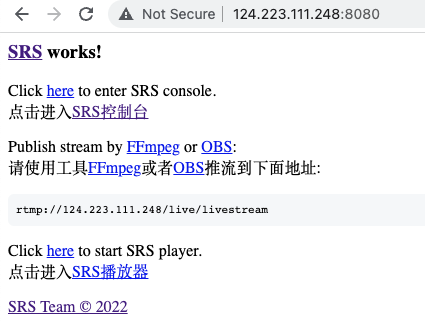
Visit port 8080 of the server URL:
System prompt: Push stream to rtmp://124.223.111.248/live/livestream
2. Push Stream
Use FFmpeg to simulate camera push:
ffmpeg -re -i ElectricityMeter.mp4 -c copy -f flv rtmp://124.223.111.248/live/livestream
After pushing, you can get 3 addresses in the SRS background: View playback address
- RTMP (by VLC): rtmp://124.223.111.248/live/livestream
- H5 FLV :http://124.223.111.248:8080/live/livestream.flv
- H5(HLS): http://124.223.111.248:8080/live/livestream.m3u8
3. Play Video Address Plugin in ThingsPanel