China Telecom CTWing Integration
This article introduces how to quickly connect devices from the CTWing platform to the ThingsPanel platform.
Device Connectivity Service Introduction
CTWing platform provides multiple access methods.
- service_plugin_ctwing Device Connectivity Service:
- This service accesses data via the HTTP push service of the CTWing platform.
Integration Process
Prerequisites
- Register a CTWing account.
- Register or deploy ThingsPanel platform, and deploy CTWing Device Connectivity Service.
- CTWing Device Connectivity Service is registered to the platform.
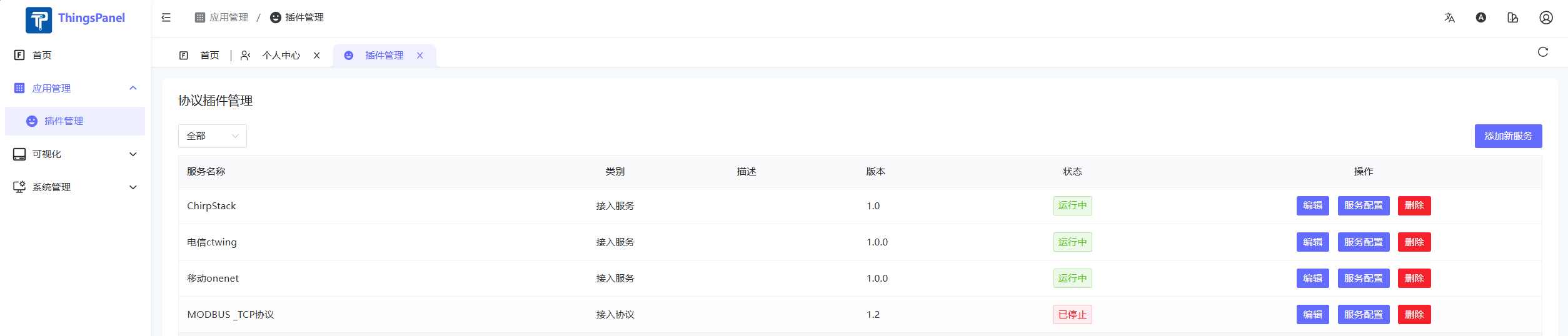
Steps
-
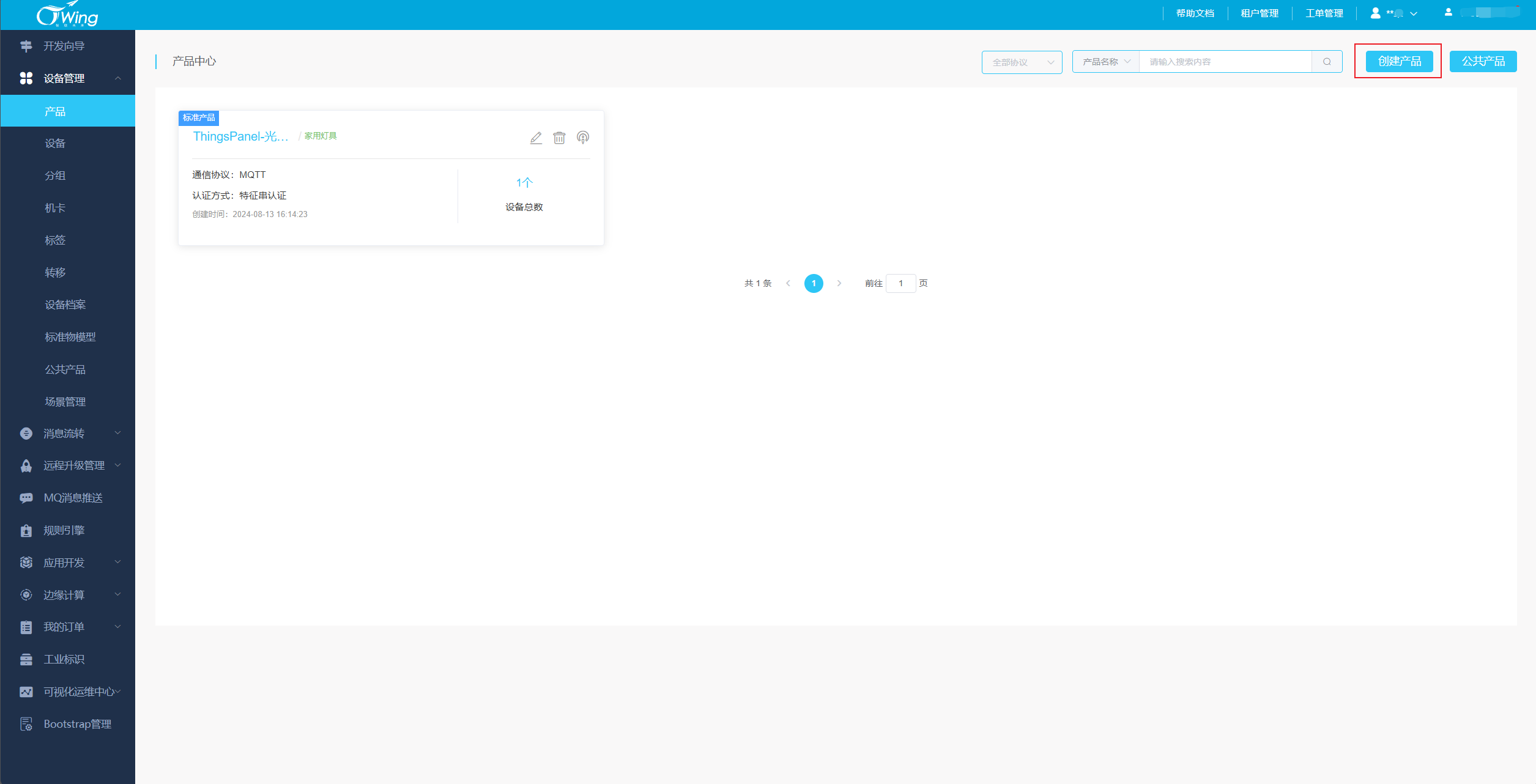
CTWing Platform Configuration
- Login to CTWing Platform.
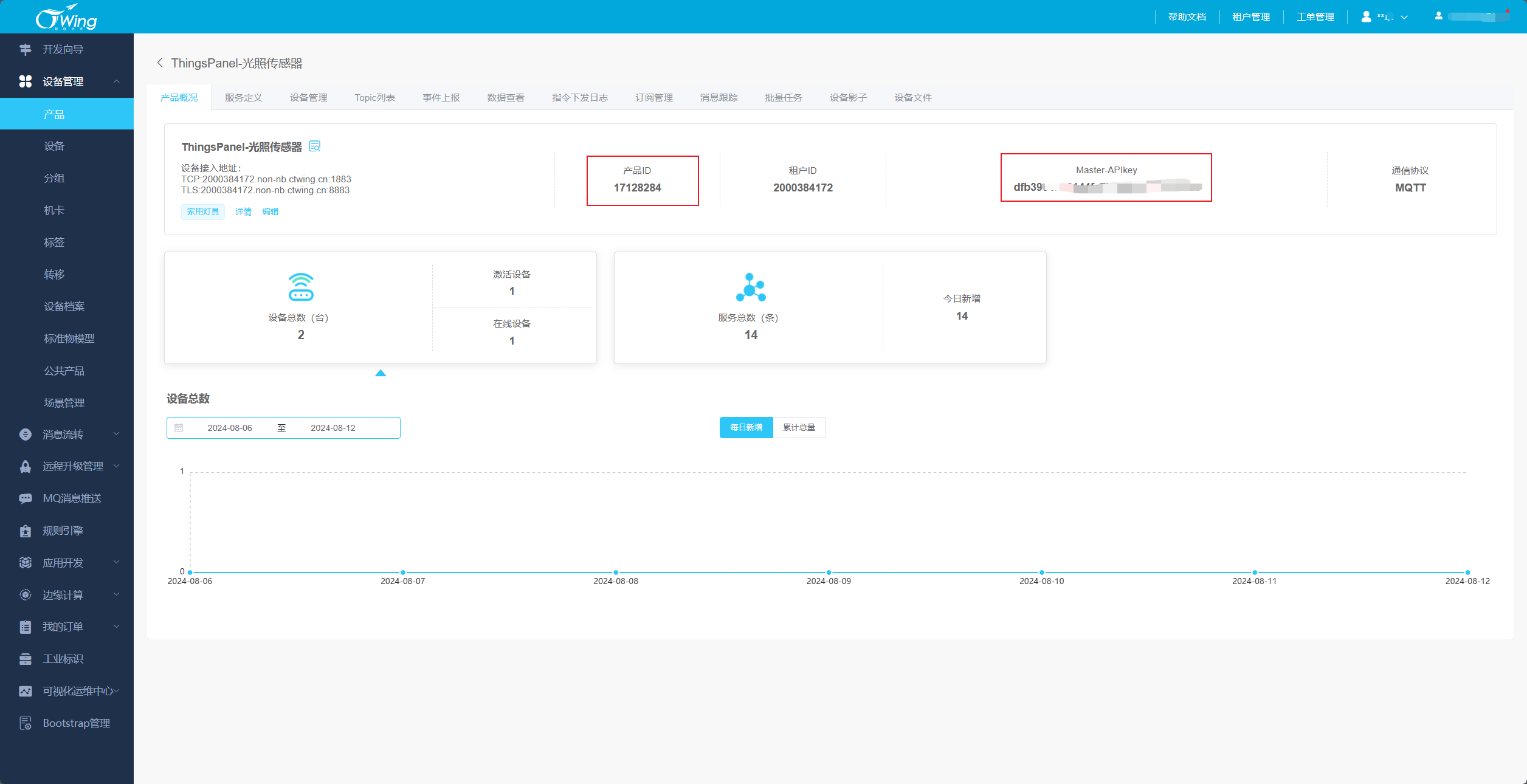
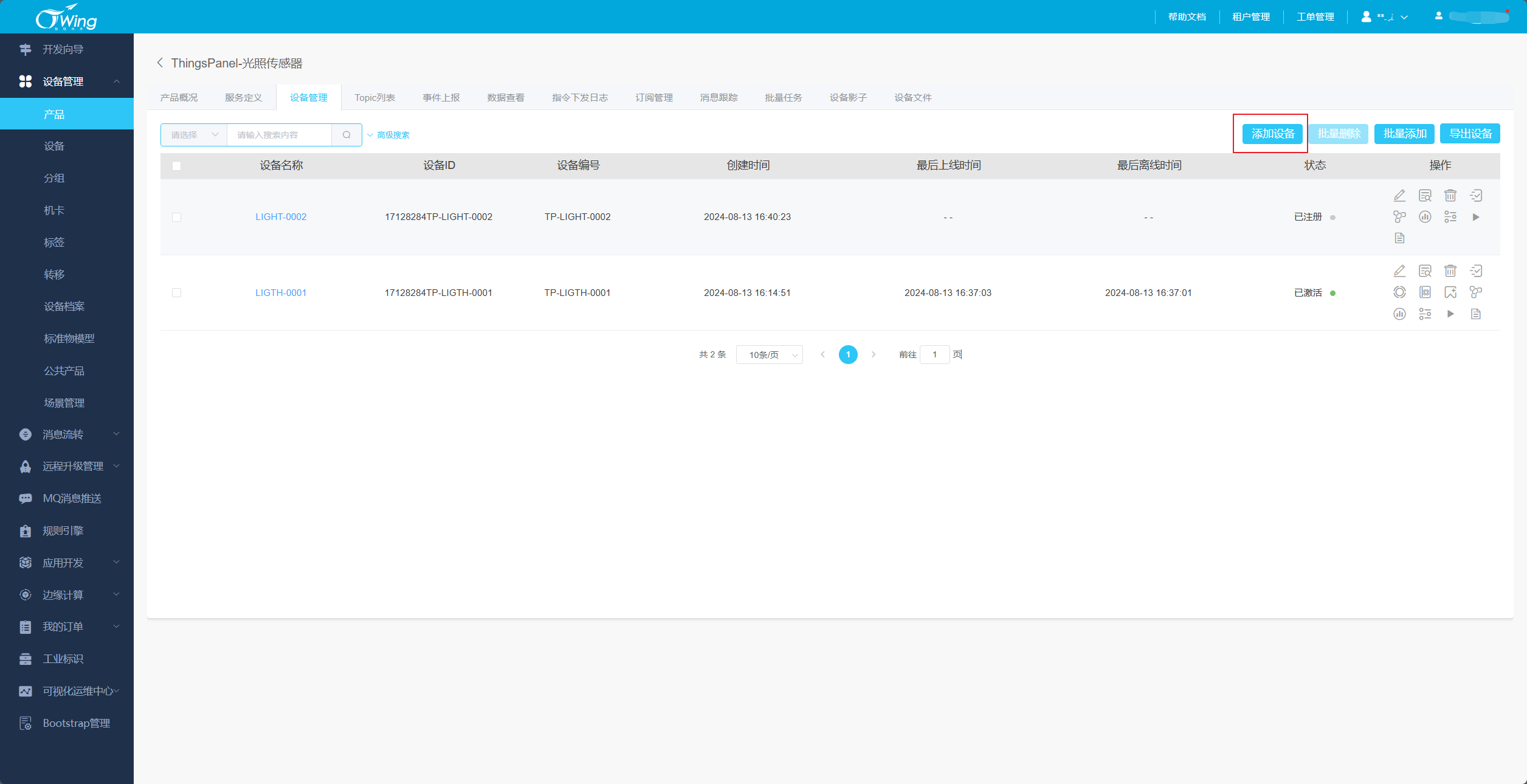
- Create Product and Device, get
Product IDandMaster-APIkey. - Add Subscription.
c.thingspanel.cn:8380is the service address and port of the device connectivity service.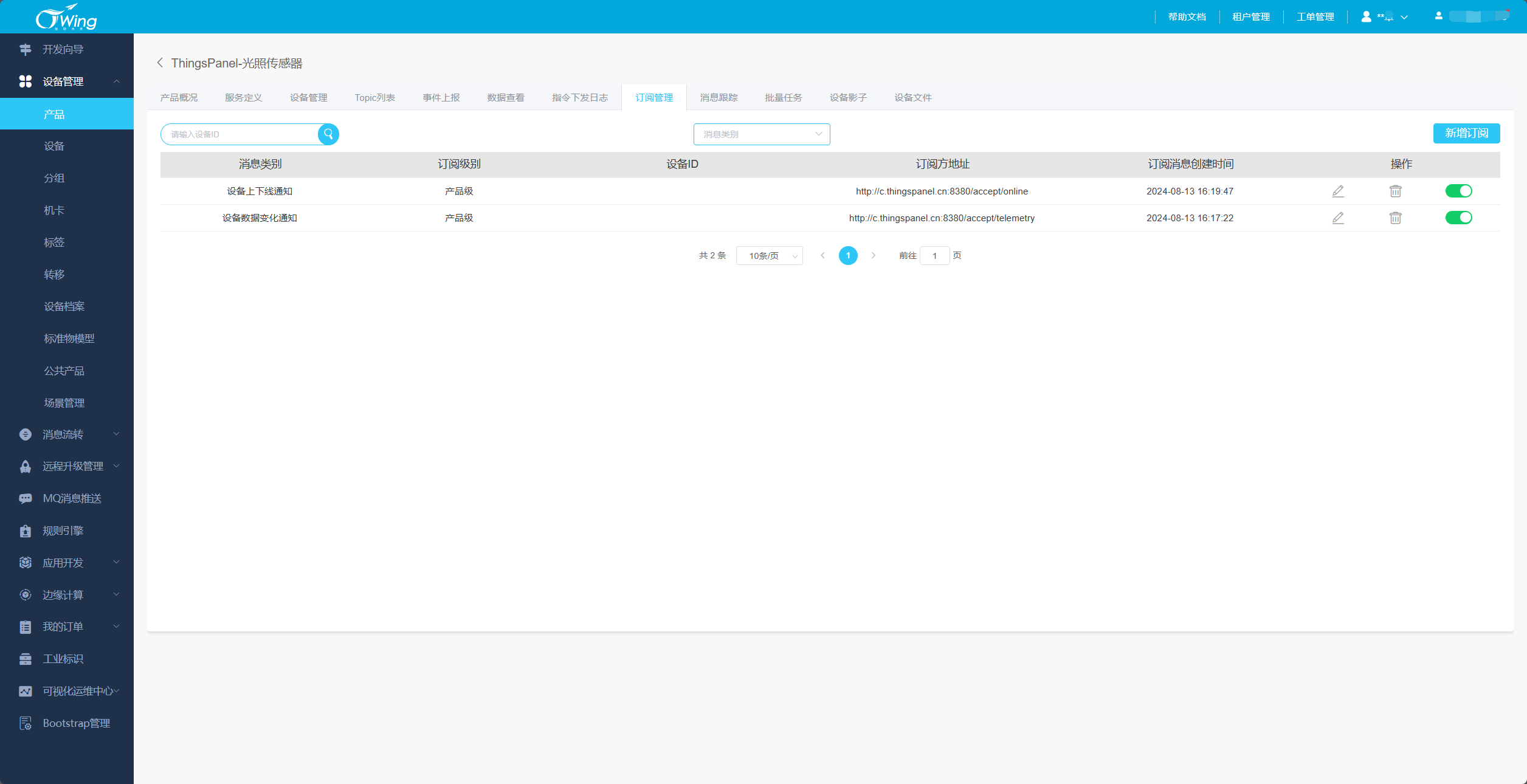
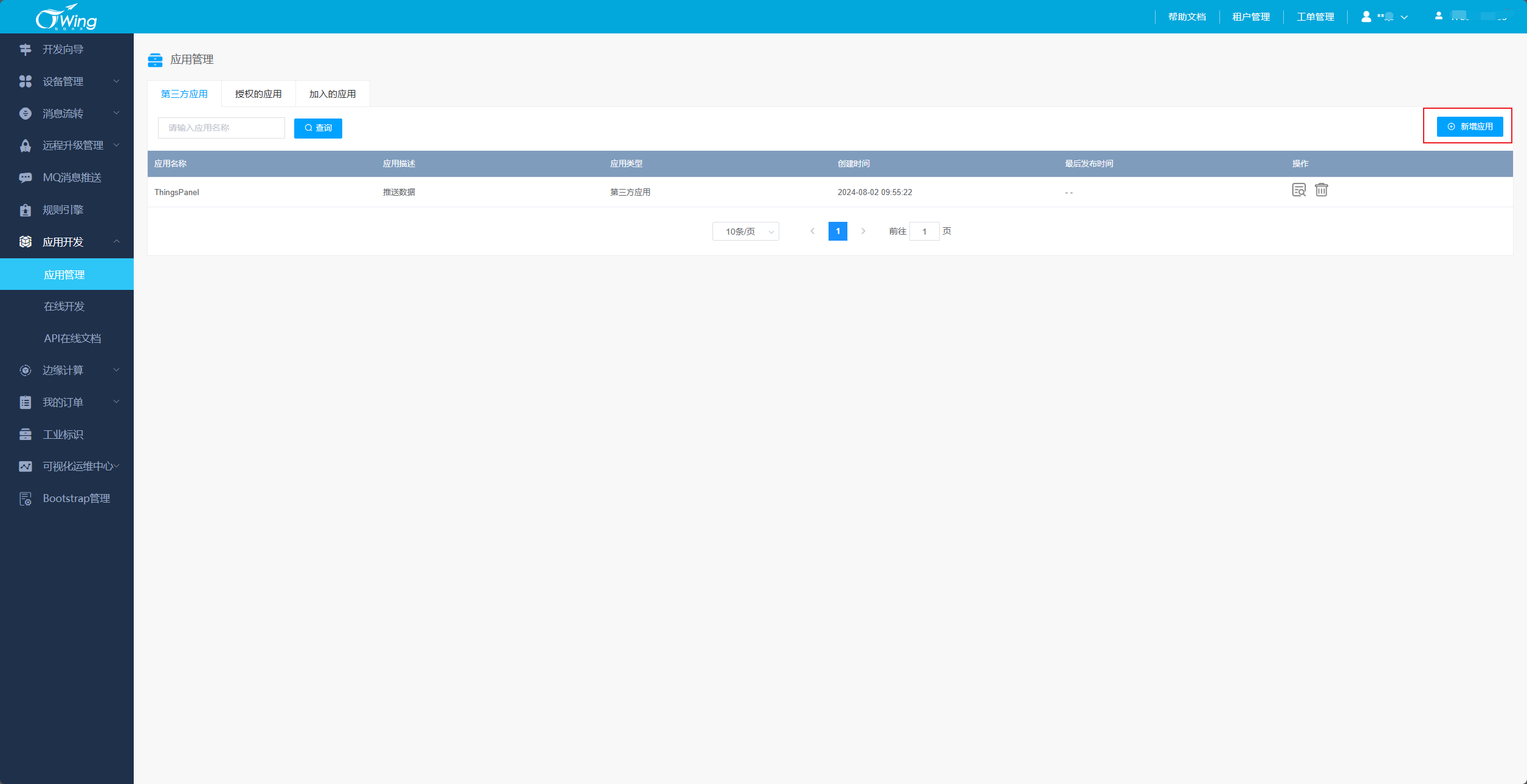
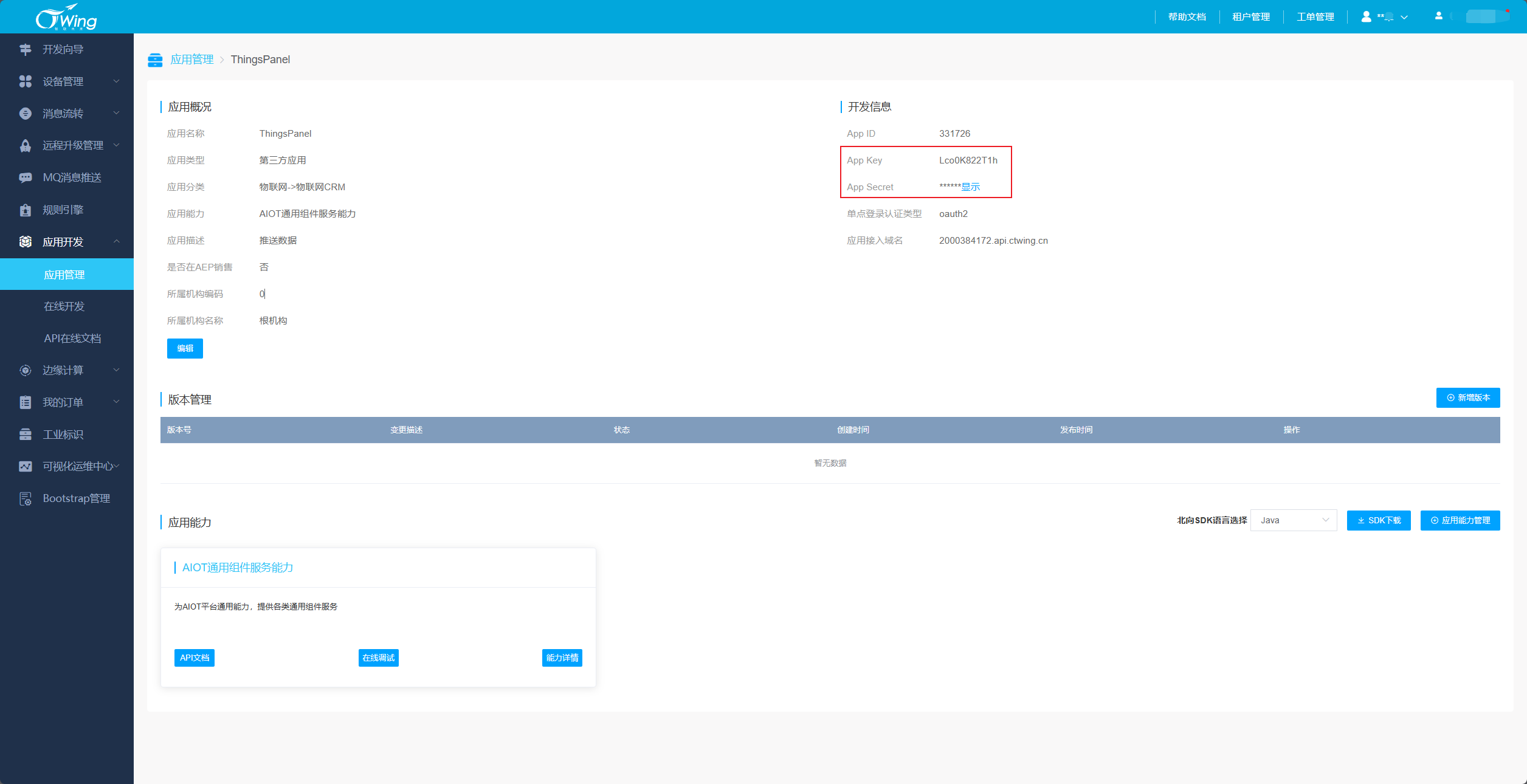
- Add Application, get
App KeyandApp Secret.
-
ThingsPanel Platform Configuration
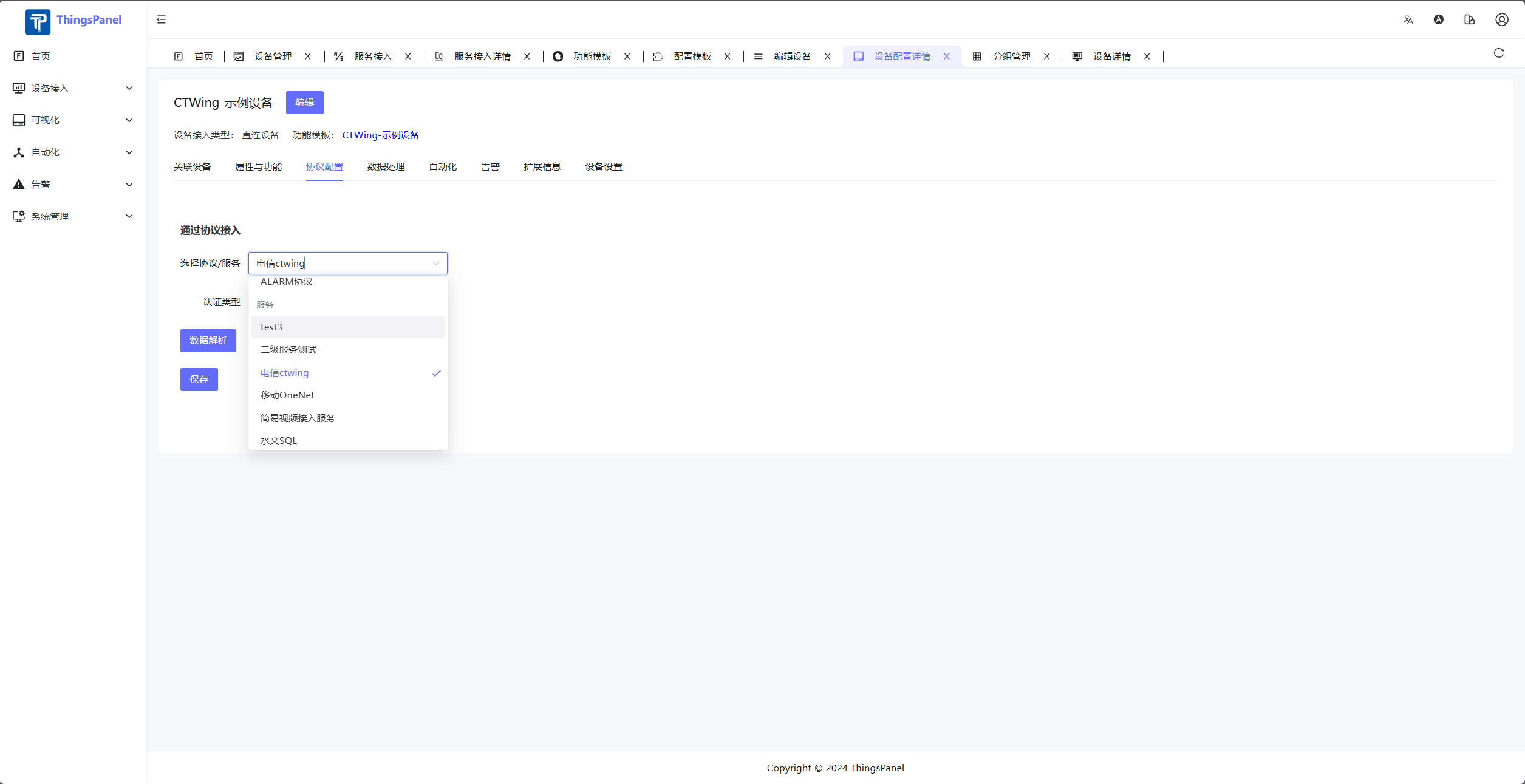
- If no device template for this service exists, verify or create one.
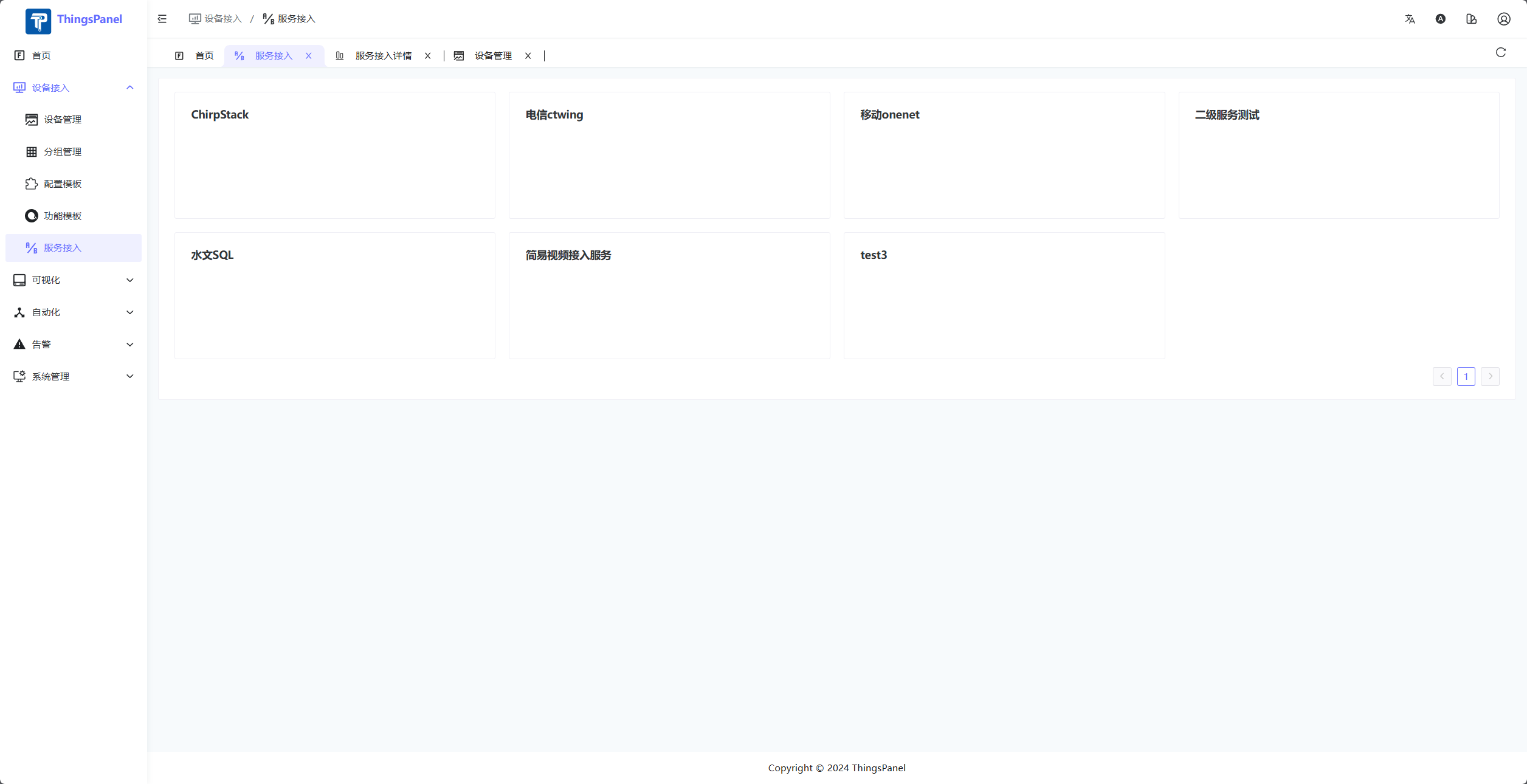
- Enter Service Access page.
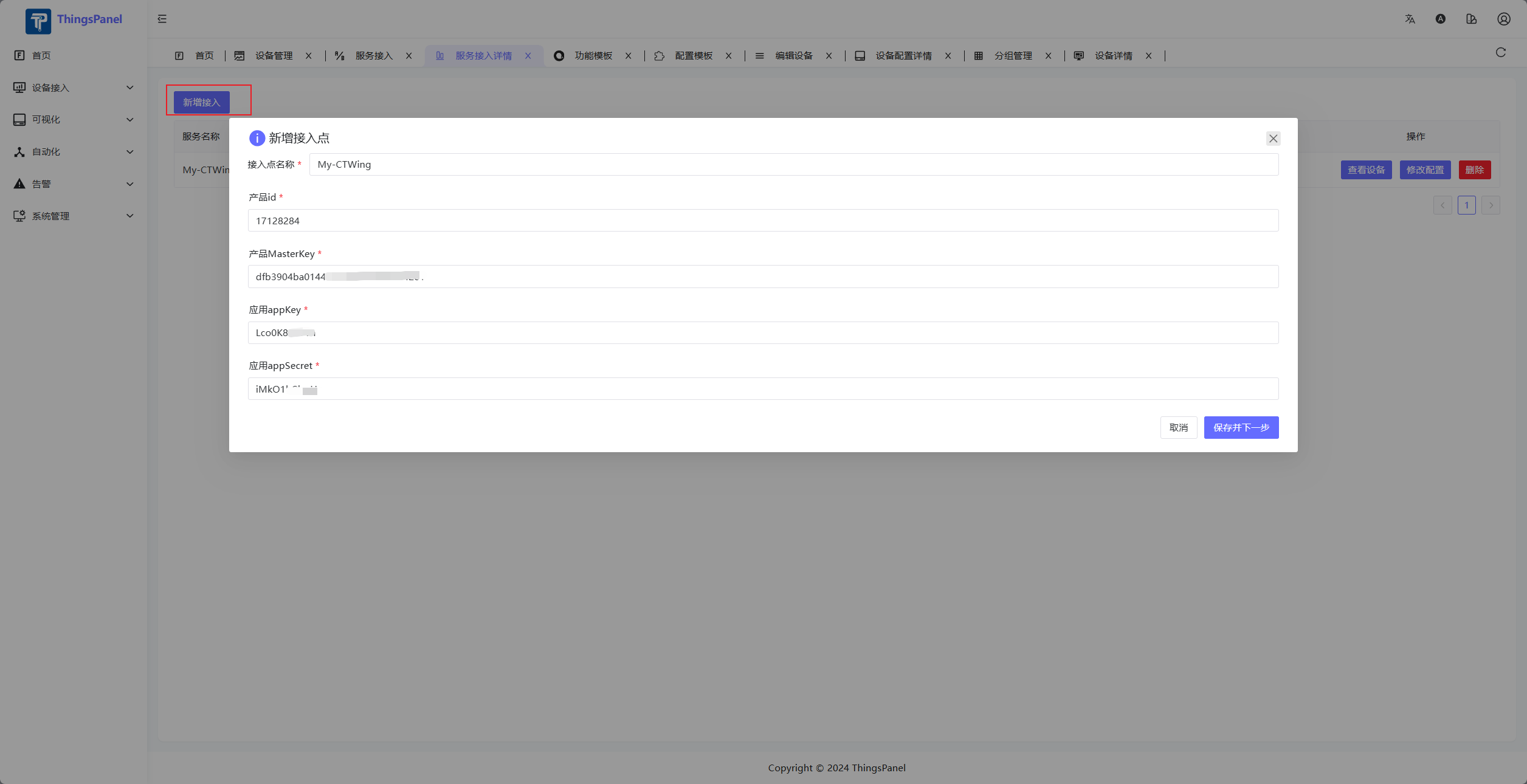
- Add Service Access Point.
- Select Devices to Access.
- Note: This list only displays devices that have pushed data.
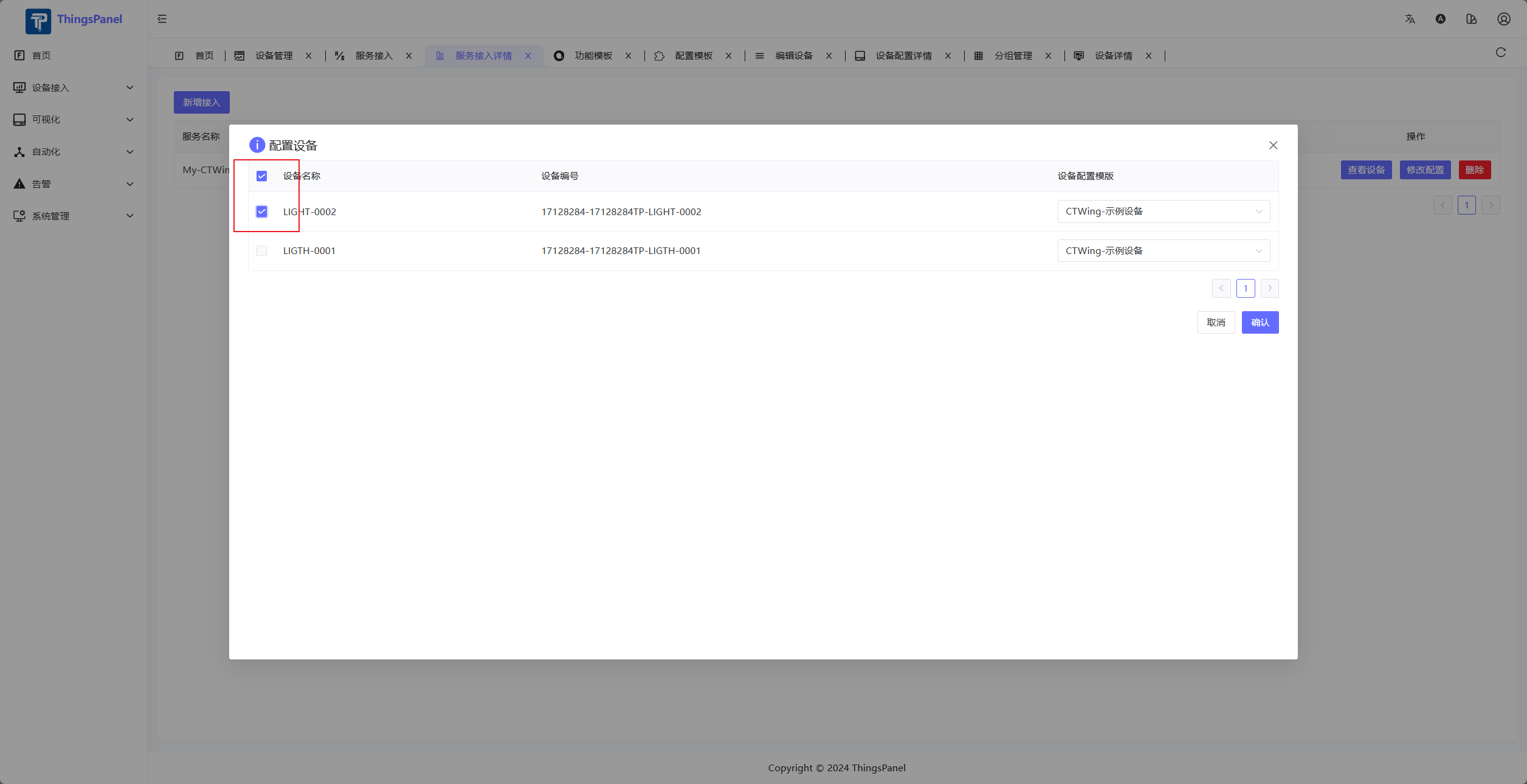
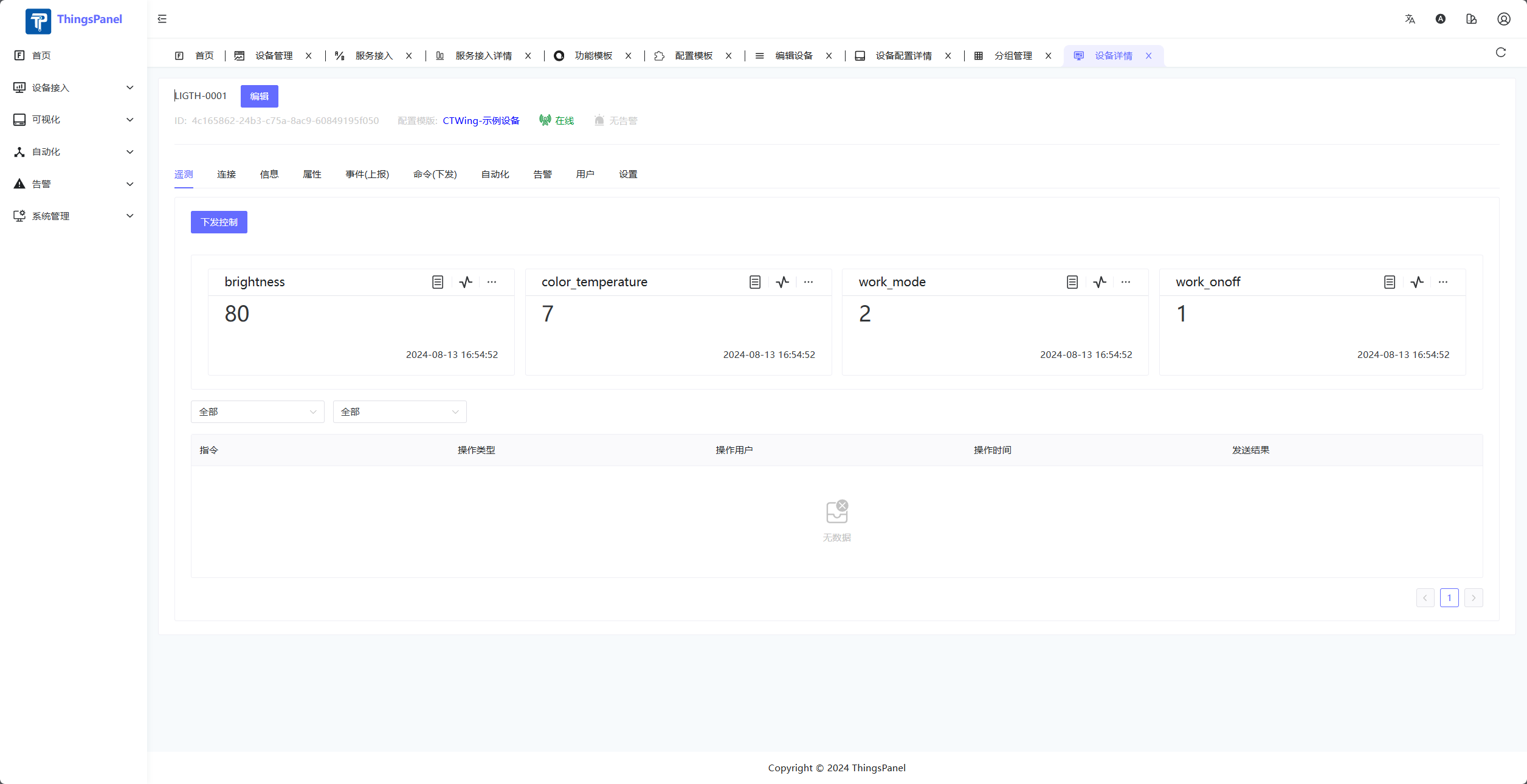
- After data push, view data in device details.
- If no device template for this service exists, verify or create one.